분야
사이버 보안
모든 기업이 알아야 할 보안 용어를 설명합니다. 피싱, 랜섬웨어, 암호화, 2단계 인증, 제로 트러스트, 백업, 그리고 데이터와 계정을 안전하게 지키는 습관을 담았습니다.
이 분야의 개념 35개
사이버 보안
T
Two-Factor Authentication 2FA Two-factor authentication is a sign-in that asks for your password and then for something you are holding, so a stolen password alone is not enough to get in. 설명 읽기
P
Phishing Phishing is a message built to look like it came from someone you trust, so that you hand over a password, a code or a payment. 설명 읽기 Password Manager A password manager is a small program that remembers every password for you and keeps them locked away, leaving you just one to memorise. 설명 읽기
A
Authenticator App An authenticator app is a free app on your phone that produces the six-digit code a website asks for after your password, so a stolen password is not enough. 설명 읽기
S
SIM Swap Fraud SIM swap fraud is a scam in which a criminal moves your phone number onto their own SIM card, so your calls and security codes reach them instead. 설명 읽기 Social Engineering Social engineering is an attack on the person rather than the computer, where someone uses fear or hurry to talk you into handing over a code or a payment. 설명 읽기
I
Invoice Fraud Invoice fraud is a fake or altered supplier bill that gets you to pay a real amount into a bank account the criminal controls. 설명 읽기
Q
QR Code Phishing (Quishing) QR code phishing, also called quishing, is a scam where a fake code is stuck over a real one so your phone opens a fake payment page. 설명 읽기
S
Security Awareness Training Security awareness training is the short, regular practice that teaches your staff to spot a fake email or phone call before they act on it. 설명 읽기
M
Malware Malware is any program written to damage your computer or to work quietly for someone else while you carry on using it. 설명 읽기
R
Ransomware Ransomware is a program that locks every file on a company's computers and then demands a payment before it will hand them back. 설명 읽기
K
Keylogger A keylogger is a hidden program that records every key someone types on a computer, including the password to the company bank account. 설명 읽기
B
Backup A backup is a second copy of your files, kept somewhere safe from whatever destroys the first copy, so you can get your work back. 설명 읽기
D
Disaster Recovery Plan DRP A disaster recovery plan is a short written document that says exactly what your business does, and who does it, on the morning the systems stop working. 설명 읽기
L
Least Privilege Least privilege means each person can open only the screens their own job needs, so a stolen account cannot reach the rest of the business. 설명 읽기
U
User Access Review A user access review is a regular check of who can still log into your systems, including the accounts nobody remembers creating. 설명 읽기
O
Offboarding Offboarding is the security work a business does when someone leaves, closing every login and shared password they had so nothing stays open behind them. 설명 읽기
Z
Zero Trust Zero trust is a way of working where nobody is trusted just for sitting inside the office, and every single login is checked again. 설명 읽기
P
Patch Management Patch management is the habit of updating every program and device you use on a set plan instead of whenever someone remembers. 설명 읽기
E
End-of-Life Software EOL End-of-life software is a program its maker has stopped repairing, so any weakness someone finds in it from that day on stays open forever. 설명 읽기 Ethical Hacking Ethical hacking is an attack on your own system that you asked for and paid for, so a trusted expert finds the holes before a criminal does. 설명 읽기
W
Web Application Firewall WAF A web application firewall is a filter that reads every request arriving at your website and blocks the ones that look like a known attack. 설명 읽기
O
OWASP Top 10 The OWASP Top 10 is a free list of the ten mistakes that most often let a stranger into a website or a web application. 설명 읽기
J
Jailbroken Device A jailbroken device is a phone whose built-in protections have been removed on purpose, which lets one app read what another app keeps private. 설명 읽기
T
Third-Party Risk Third-party risk is the chance that your data leaks through a supplier, a freelancer or a plugin you trusted, rather than through your own team. 설명 읽기
E
Encryption Encryption is a way of scrambling your information into nonsense, so that only the person holding the right key can read it again. 설명 읽기
H
HTTPS HTTPS is the protected version of a web address, and it scrambles everything sent between a visitor's browser and your site so nobody in between can read it. 설명 읽기
P
PCI Compliance PCI DSS PCI compliance is the set of safety rules that the card companies make every business follow before it is allowed to take card payments. 설명 읽기
D
Data Breach A data breach is the moment private customer information leaves your control, whether a thief took it or someone simply sent it to the wrong address. 설명 읽기
C
Cyber Insurance Cyber insurance is a policy that pays for the clean-up after an attack, as long as you kept the security promises you made on the application form. 설명 읽기
G
GDPR GDPR GDPR is the European law that sets out how a business may collect, keep and use the personal information of the people it serves. 설명 읽기
V
Vulnerability Scan A vulnerability scan is an automatic check that searches a website or an app for weaknesses attackers already know about and reports what it finds. 설명 읽기 Virtual Private Network VPN A virtual private network is a sealed tunnel through a public connection, so what your staff send on café or hotel wifi cannot be read by anyone nearby. 설명 읽기
Z
Zero-Day Vulnerability A zero-day vulnerability is a hole in software that has just been found and has no fix yet, so everyone using that part is exposed until one arrives. 설명 읽기
S
SQL 인젝션 SQLi 누군가 입력 폼이나 웹 주소에 데이터베이스 명령을 넣어 사이트가 그대로 실행하게 만드는 웹 공격입니다. 그 결과 사이트가 지켜야 할 데이터가 드러나거나, 바뀌거나, 지워집니다. 설명 읽기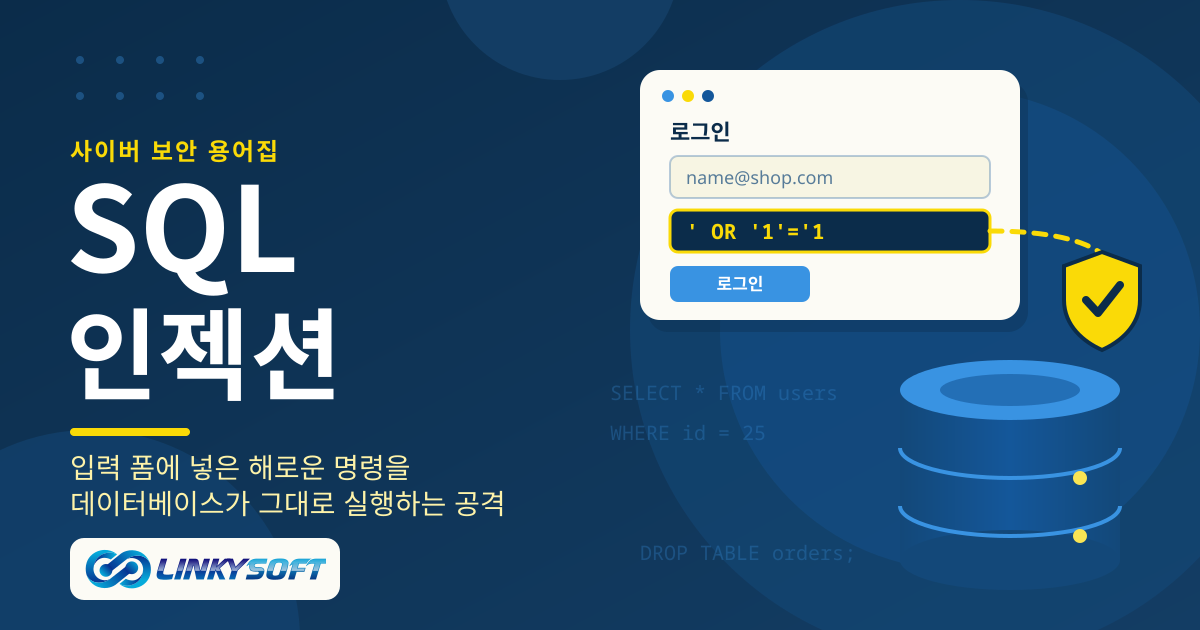
다른 분야
웹 호스팅 웹사이트를 온라인에 올릴 때 만나는 호스팅 용어를 쉽게 풀어 설명합니다. 가동률, 서비스 수준 협약(SLA), 저장 공간, SSL 등 사이트의 속도와 안정성을 좌우하는 호스팅 요금제의 요소를 알 수 있습니다. 2 서버 서버와 그 위에서 돌아가는 데이터베이스가 하는 일을 쉽게 설명합니다. VPS와 전용 서버, MySQL, PostgreSQL, MongoDB, Redis 등 직접 서버를 운영할 때 꼭 알아야 할 용어를 담았습니다. 4 도메인 도메인 이름을 쉽게 설명합니다. 등록, DNS, 네임서버, 갱신, 이전 등 웹사이트 주소를 고르고, 연결하고, 안전하게 지키는 데 필요한 용어를 담았습니다. 0 전자상거래 온라인 판매에서 쓰는 말을 쉽게 풀어 설명합니다. SKU, 상품 옵션, 장바구니 이탈, 주문 추적, 결제, POS, 그리고 쇼핑몰의 실제 상태를 보여 주는 숫자를 읽는 법까지 담았습니다. 30 클라우드 클라우드 컴퓨팅과 소프트웨어를 클라우드로 배포하는 도구를 설명합니다. 클라우드가 무엇인지, Docker와 Kubernetes가 애플리케이션을 어떻게 실행하는지, Git과 CI/CD가 배포를 어떻게 안전하게 지키는지 알 수 있습니다. 5 소셜 미디어 기업을 위한 소셜 미디어 용어를 설명합니다. WhatsApp 마케팅, 인플루언서 캠페인, 동영상 광고 등 팔로워를 늘리고 고객이 이미 있는 곳에서 소통하는 데 필요한 말을 담았습니다. 3 웹사이트 웹사이트를 이루는 기본 요소를 쉽게 설명합니다. HTML, CSS, 반응형 디자인, 오른쪽에서 왼쪽으로 읽는 언어의 레이아웃, 그리고 웹사이트와 웹 애플리케이션의 차이를 알 수 있습니다. 6 웹 애플리케이션 기업이 웹 애플리케이션을 만들거나 도입할 때 만나는 용어를 설명합니다. API, 대시보드, 사용자 권한, 통합 로그인(SSO), 배포, 확장성, 그리고 소프트웨어를 유지하는 비용까지 담았습니다. 29 모바일 앱 모바일 앱 용어를 쉽게 설명합니다. 네이티브 앱과 하이브리드 앱, 푸시 알림, 인앱 결제, 앱 스토어 심사, 오프라인 동기화, 그리고 앱을 최신 상태로 안전하게 유지하는 방법을 담았습니다. 25 디지털 마케팅 디지털 마케팅 용어를 설명합니다. 전환율, 랜딩 페이지, 세일즈 퍼널, 이메일 캠페인, 클릭당 과금 광고, 기여도 분석, 그리고 실제로 효과가 있는 방법을 보여 주는 숫자를 담았습니다. 26 인공지능 인공지능을 쉬운 말로 설명합니다. 머신러닝, 대규모 언어 모델, 챗봇, 그리고 기업이 AI로 고객 문의에 답하고 일상 업무를 자동화하는 방법을 담았습니다. 4 사물인터넷 사물인터넷 용어를 쉽게 설명합니다. 연결된 기기, 센서, 게이트웨이, 그리고 스마트 빌딩, 위치 추적, 스스로 상태를 알리는 기계 뒤에 있는 말을 담았습니다. 0 프로그래밍 언어 오늘날 소프트웨어를 만드는 프로그래밍 언어를 짧고 명확하게 설명합니다. Python, PHP, JavaScript, TypeScript, Java, Go, Rust, Kotlin, Swift, SQL 등을 담았습니다. 12 프레임워크 개발자들이 사용하는 프레임워크를 쉽게 설명합니다. Laravel, Django, React, Next.js, Node.js, Flutter, 그리고 각각이 웹이나 모바일 프로젝트에 주는 장점을 담았습니다. 6 검색 엔진 검색 엔진 용어를 설명합니다. SEO, 색인, 사이트맵, 정규 URL, 추천 스니펫, 검색 의도, 그리고 웹사이트가 Google 검색과 AI 답변에 나타나도록 돕는 요소를 담았습니다. 30 사용자 인터페이스 사용자 인터페이스와 사용자 경험 용어를 설명합니다. 프로토타입, UX, 다크 모드, 그리고 소프트웨어와 웹사이트를 쉽고 편하게 쓰도록 만드는 디자인 선택을 담았습니다. 3