분야
웹 애플리케이션
기업이 웹 애플리케이션을 만들거나 도입할 때 만나는 용어를 설명합니다. API, 대시보드, 사용자 권한, 통합 로그인(SSO), 배포, 확장성, 그리고 소프트웨어를 유지하는 비용까지 담았습니다.
이 분야의 개념 29개
웹 애플리케이션
W
Web Application A web application is a program you use in a browser that does real work and remembers it, so it keeps your accounts, records and reports. 설명 읽기
B
Backend The backend is the part of a system you never see, where the records are kept and the rules are checked for every screen that asks. 설명 읽기
P
Progressive Web App PWA A progressive web app is a website that staff add to the phone's home screen and open like a normal app, with nothing to install from a store. 설명 읽기
O
Offline Mode Offline mode is what a system keeps doing when the internet drops in the middle of a sale, so the work carries on until the connection returns. 설명 읽기
M
Multi-Branch Management Multi-branch management is running two or more shops, clinics or gyms from a single system, so the owner can see every branch on one page. 설명 읽기
U
User Roles and Permissions User roles and permissions decide who may do what inside a system, so a receptionist can book an appointment without ever seeing what the treatment cost. 설명 읽기
A
Audit Trail An audit trail is the record a system keeps of who changed what and when, so an argument about a cancelled invoice can be settled in two minutes. 설명 읽기
D
Dashboard A dashboard is the first screen a person sees after logging in, and a good one carries today's numbers and the decisions still waiting for an answer. 설명 읽기
K
Key Performance Indicator KPI A key performance indicator is a single number you have chosen to watch because someone on your team can actually act on it. 설명 읽기
S
Scalability Scalability is how well a system keeps its speed as more people use it at the same time, instead of slowing to a crawl. 설명 읽기
C
Change Request A change request is anything you ask a software team to add or alter after the price was agreed and the work began. 설명 읽기
V
Vendor Lock-In Vendor lock-in is what you discover on the day you try to change supplier and find out how little of your own system you actually own. 설명 읽기
C
Cross-Platform App A cross-platform app is one system that opens in a browser, on an Android phone and on an iPhone, with all three sharing the same records. 설명 읽기
P
Push Notifications A push notification is a short message that lands on someone's phone or browser without them opening your app, which is why they have to give permission first. 설명 읽기
D
Data Synchronisation Data synchronisation is the work of keeping the same numbers on every device, so the phone in a van and the office computer never disagree. 설명 읽기
J
Job Queue A job queue is the waiting line where a system parks heavy work, like five hundred invoices, so the screens people are using stay fast. 설명 읽기
K
KPI Dashboard KPI A KPI dashboard is one screen holding the five or six numbers an owner checks each morning before deciding what to do that day. 설명 읽기
S
Single Sign-On SSO Single sign-on is one username and password that opens every system a member of staff is allowed to use, on the computer and on the phone. 설명 읽기
U
User Acceptance Testing UAT User acceptance testing is the buyer's own check of a new system before signing it off, run on the real machines over a few ordinary working days. 설명 읽기
Z
Zero-Downtime Deployment A zero-downtime deployment puts a new version of a system live while customers keep using it, with a quick way back if something goes wrong. 설명 읽기
T
Total Cost of Ownership TCO Total cost of ownership is what a system really costs over five years once hosting, support, changes and training are added to the build price. 설명 읽기
R
REST REST REST is a way of designing web APIs where every item gets its own web address, so programs can read or change it with the same few standard actions. 설명 읽기
T
Telemedicine Telemedicine is a doctor's visit by video call or chat instead of in the clinic, with the clinic system still handling the booking, notes and prescription. 설명 읽기
고
고객 포털 고객이 전용 계정으로 로그인하여 전화 통화를 기다릴 필요 없이 자신의 주문 진행 상황을 실시간으로 추적하고, 청구서 내역을 확인하며, 언제든지 고객지원팀에 문의할 수 있는 안전한 웹 공간입니다. 설명 읽기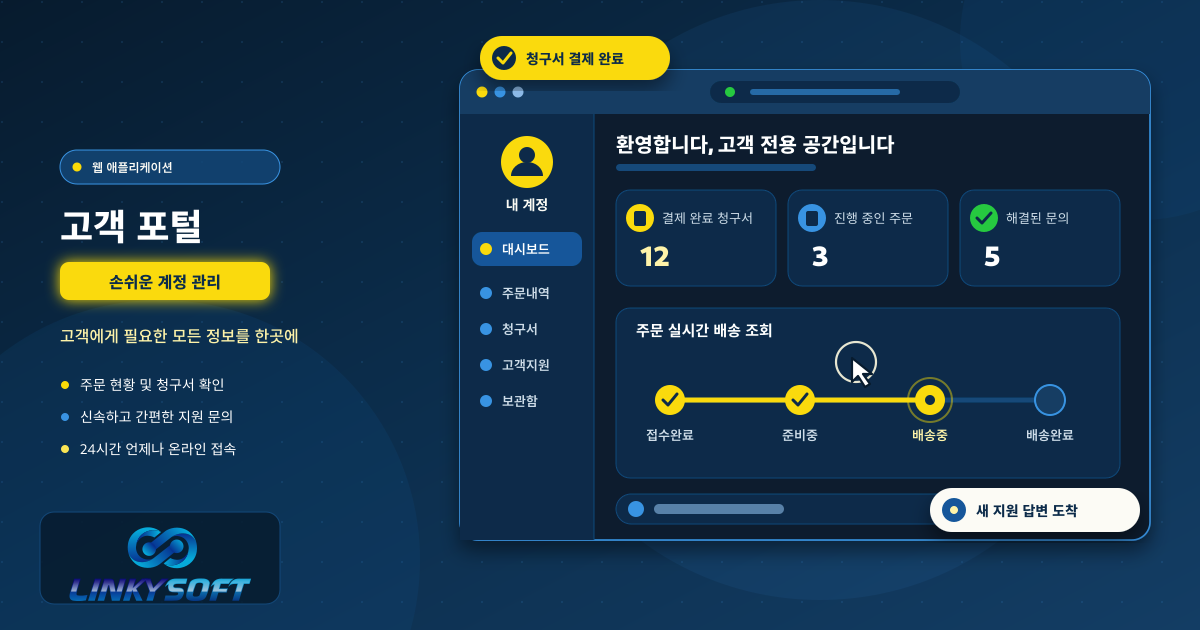
소
소스 코드 소프트웨어 엔지니어가 작성한 프로그램 명령문이 포함된 텍스트 파일로, 서버와 단말기가 웹사이트나 애플리케이션을 어떻게 실행해야 하는지 구체적으로 지시하는 핵심 데이터입니다. 설명 읽기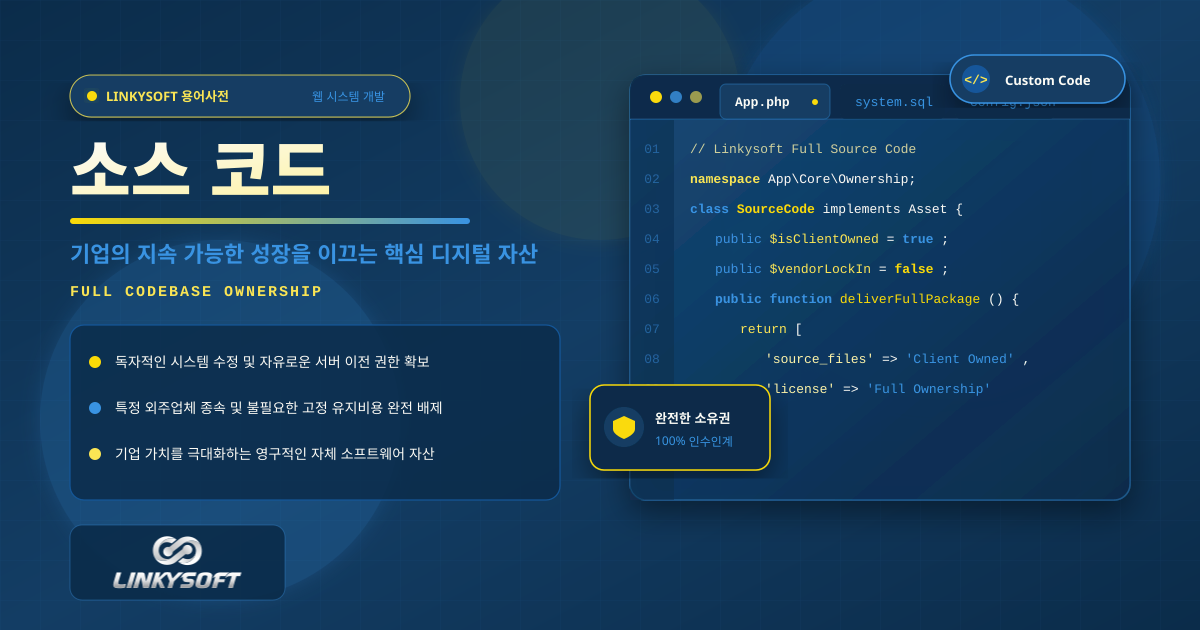
애
애플리케이션 프로그래밍 인터페이스 (API) API 기업의 웹사이트나 모바일 앱을 온라인 결제 대행사, 지도 서비스 등 외부 솔루션과 직접 연결하여 시스템 간에 필요한 데이터와 명령을 빠르고 안전하게 주고받을 수 있도록 돕는 소프트웨어 가교입니다. 설명 읽기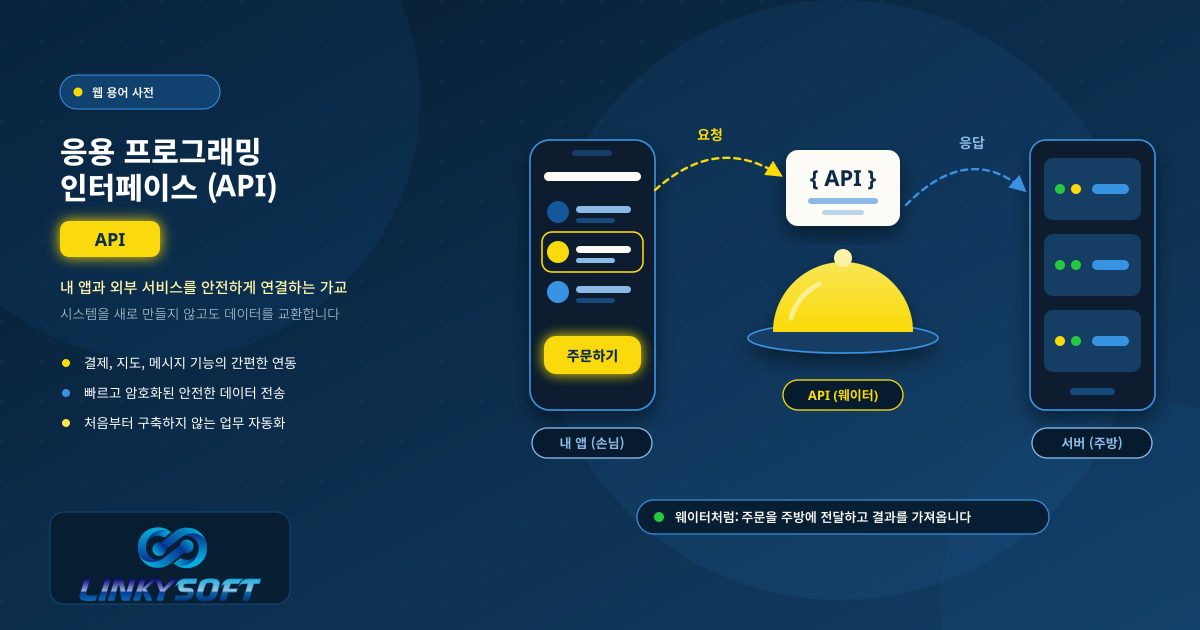
워
워크플로 자동화 시스템이나 웹 앱이 알림 보내기, 기록 업데이트처럼 매일 반복되는 일을 스스로 처리하는 것입니다. 직원이 매번 손으로 할 필요가 없어집니다. 그 결과 실수는 줄고, 팀은 더 중요한 일에 시간을 쓸 수 있습니다. 설명 읽기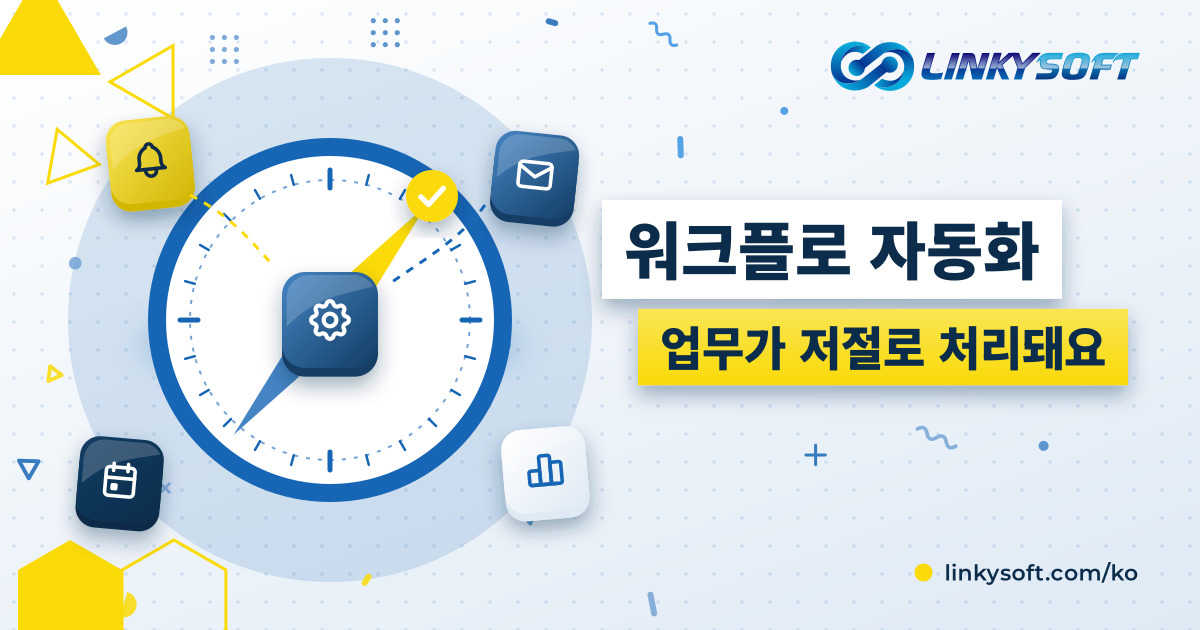
웹
웹 애플리케이션 컴퓨터나 스마트폰의 웹 브라우저에서 별도의 프로그램 설치 없이 바로 열어 사용하는 소프트웨어입니다. 로그인하여 주문 관리부터 보고서 확인까지 매일의 업무를 처리하며, 모든 데이터는 안전한 서버에 보관되어 팀원들과 공유됩니다. 설명 읽기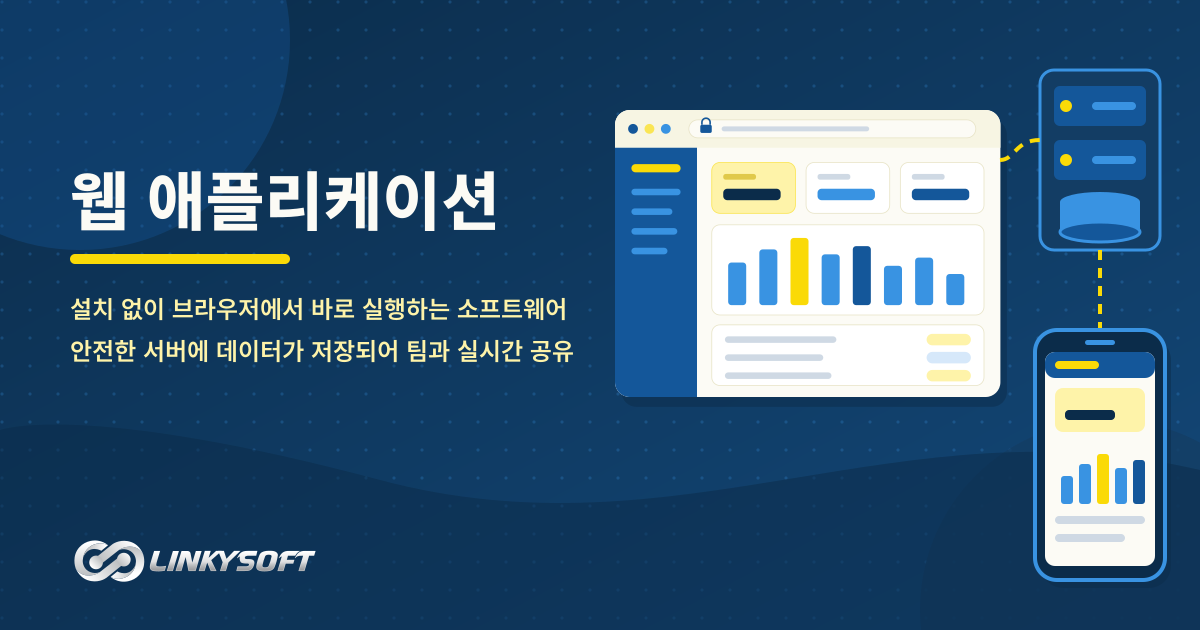
전
전사적 자원 관리 (ERP) ERP 기업 내 창고 재고, 영업 판매, 회계 정산, 인사 관리 등 다양한 부서의 업무를 단일 통합 데이터베이스로 연결하여, 매일의 사업 운영 상황을 한눈에 파악하고 명확한 의사결정을 내릴 수 있도록 지원하는 전사적 소프트웨어 시스템입니다. 설명 읽기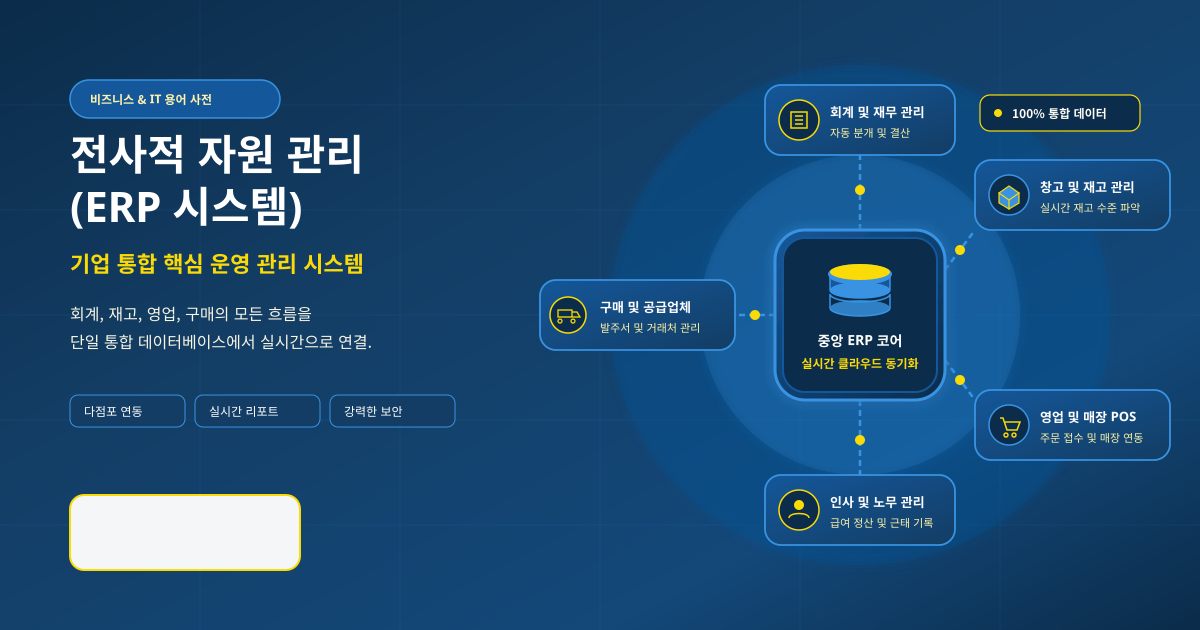
다른 분야
웹 호스팅 웹사이트를 온라인에 올릴 때 만나는 호스팅 용어를 쉽게 풀어 설명합니다. 가동률, 서비스 수준 협약(SLA), 저장 공간, SSL 등 사이트의 속도와 안정성을 좌우하는 호스팅 요금제의 요소를 알 수 있습니다. 2 서버 서버와 그 위에서 돌아가는 데이터베이스가 하는 일을 쉽게 설명합니다. VPS와 전용 서버, MySQL, PostgreSQL, MongoDB, Redis 등 직접 서버를 운영할 때 꼭 알아야 할 용어를 담았습니다. 4 도메인 도메인 이름을 쉽게 설명합니다. 등록, DNS, 네임서버, 갱신, 이전 등 웹사이트 주소를 고르고, 연결하고, 안전하게 지키는 데 필요한 용어를 담았습니다. 0 전자상거래 온라인 판매에서 쓰는 말을 쉽게 풀어 설명합니다. SKU, 상품 옵션, 장바구니 이탈, 주문 추적, 결제, POS, 그리고 쇼핑몰의 실제 상태를 보여 주는 숫자를 읽는 법까지 담았습니다. 30 클라우드 클라우드 컴퓨팅과 소프트웨어를 클라우드로 배포하는 도구를 설명합니다. 클라우드가 무엇인지, Docker와 Kubernetes가 애플리케이션을 어떻게 실행하는지, Git과 CI/CD가 배포를 어떻게 안전하게 지키는지 알 수 있습니다. 5 소셜 미디어 기업을 위한 소셜 미디어 용어를 설명합니다. WhatsApp 마케팅, 인플루언서 캠페인, 동영상 광고 등 팔로워를 늘리고 고객이 이미 있는 곳에서 소통하는 데 필요한 말을 담았습니다. 3 웹사이트 웹사이트를 이루는 기본 요소를 쉽게 설명합니다. HTML, CSS, 반응형 디자인, 오른쪽에서 왼쪽으로 읽는 언어의 레이아웃, 그리고 웹사이트와 웹 애플리케이션의 차이를 알 수 있습니다. 6 모바일 앱 모바일 앱 용어를 쉽게 설명합니다. 네이티브 앱과 하이브리드 앱, 푸시 알림, 인앱 결제, 앱 스토어 심사, 오프라인 동기화, 그리고 앱을 최신 상태로 안전하게 유지하는 방법을 담았습니다. 25 사이버 보안 모든 기업이 알아야 할 보안 용어를 설명합니다. 피싱, 랜섬웨어, 암호화, 2단계 인증, 제로 트러스트, 백업, 그리고 데이터와 계정을 안전하게 지키는 습관을 담았습니다. 35 디지털 마케팅 디지털 마케팅 용어를 설명합니다. 전환율, 랜딩 페이지, 세일즈 퍼널, 이메일 캠페인, 클릭당 과금 광고, 기여도 분석, 그리고 실제로 효과가 있는 방법을 보여 주는 숫자를 담았습니다. 26 인공지능 인공지능을 쉬운 말로 설명합니다. 머신러닝, 대규모 언어 모델, 챗봇, 그리고 기업이 AI로 고객 문의에 답하고 일상 업무를 자동화하는 방법을 담았습니다. 4 사물인터넷 사물인터넷 용어를 쉽게 설명합니다. 연결된 기기, 센서, 게이트웨이, 그리고 스마트 빌딩, 위치 추적, 스스로 상태를 알리는 기계 뒤에 있는 말을 담았습니다. 0 프로그래밍 언어 오늘날 소프트웨어를 만드는 프로그래밍 언어를 짧고 명확하게 설명합니다. Python, PHP, JavaScript, TypeScript, Java, Go, Rust, Kotlin, Swift, SQL 등을 담았습니다. 12 프레임워크 개발자들이 사용하는 프레임워크를 쉽게 설명합니다. Laravel, Django, React, Next.js, Node.js, Flutter, 그리고 각각이 웹이나 모바일 프로젝트에 주는 장점을 담았습니다. 6 검색 엔진 검색 엔진 용어를 설명합니다. SEO, 색인, 사이트맵, 정규 URL, 추천 스니펫, 검색 의도, 그리고 웹사이트가 Google 검색과 AI 답변에 나타나도록 돕는 요소를 담았습니다. 30 사용자 인터페이스 사용자 인터페이스와 사용자 경험 용어를 설명합니다. 프로토타입, UX, 다크 모드, 그리고 소프트웨어와 웹사이트를 쉽고 편하게 쓰도록 만드는 디자인 선택을 담았습니다. 3