Blog

Hospital & Clinic Management

Running a clinic, a laboratory or a hospital on software instead of paper: appointments, patient records, billing, radiology and the practical questions nobody answers before you buy.

How to Move Patient Records From Paper to Software Without Losing a Single File

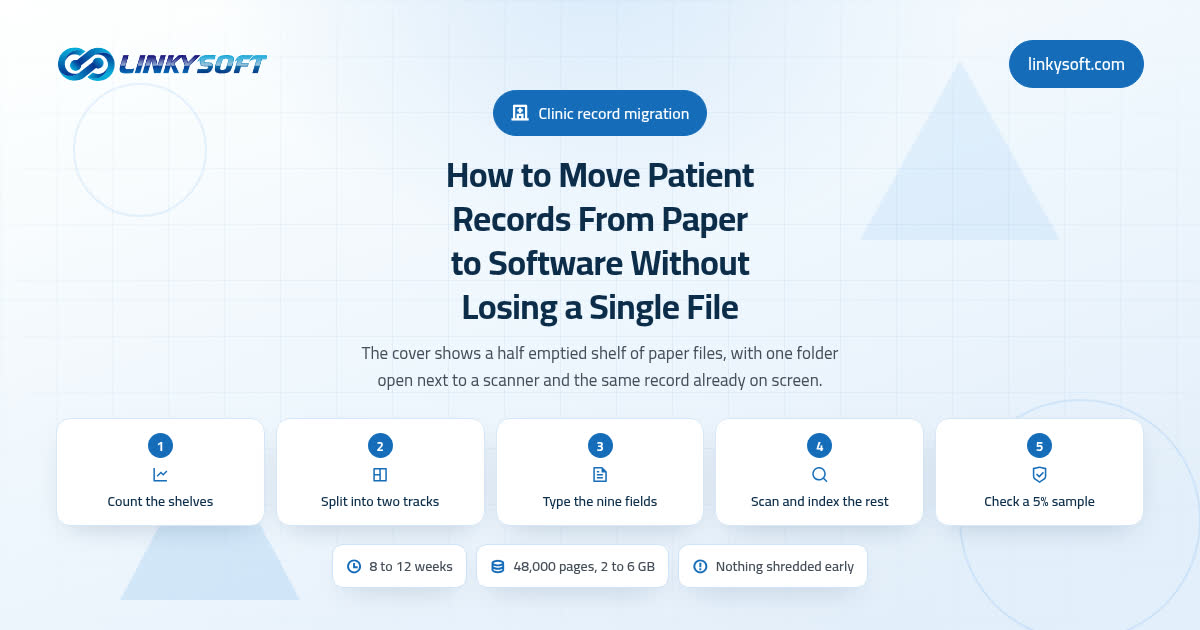
Whole folders almost never vanish in a records migration; what disappears is one loose page, an allergy written in a margin, or a phone number that lost its leading zero. This is the field method we use in real clinics: count the shelves first, type in only the patients who are still active, scan and index the rest, then check a 5 percent sample against the paper before a single box is closed.

1 minute read
What Does a Clinic Management System Actually Do on a Normal Working Day?

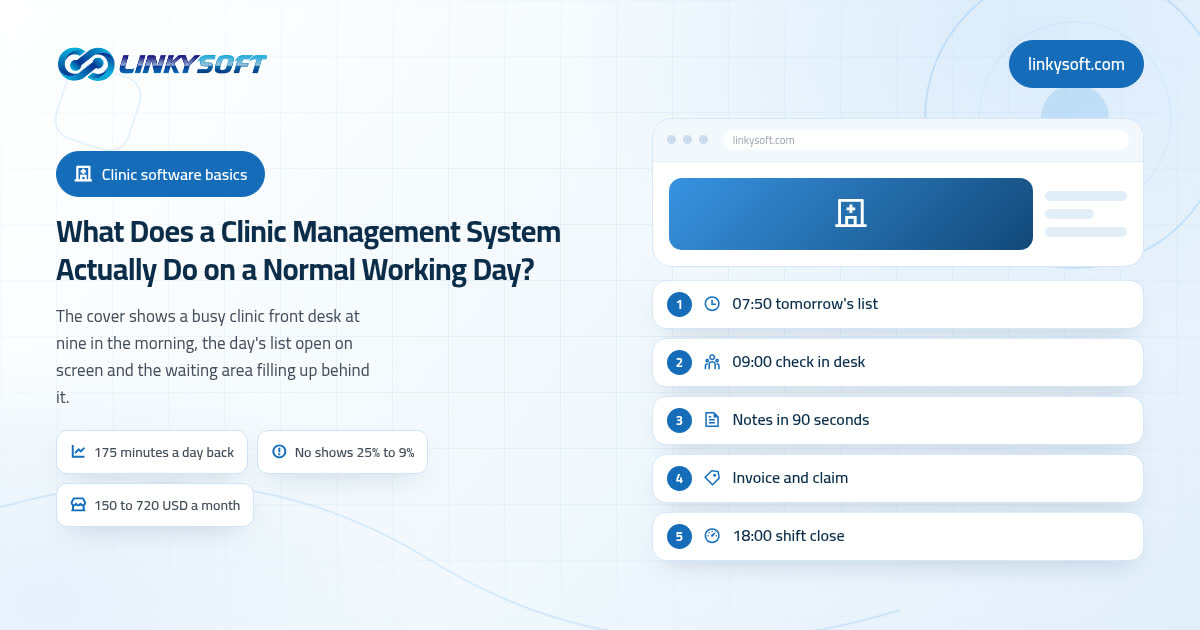
Most clinic software is sold as a list of features, which tells you very little about whether it is worth the money. So instead of a feature list, we walk through one ordinary Tuesday in a clinic with four doctors and forty booked visits, from the day list at 07:50 to the shift close at 18:00, showing the minutes and the money each part gives back, and saying plainly where a small clinic should buy the cheap ready made product rather than build anything.

1 minute read

Clinic Management Software Cost: What You Pay Up Front and Every Year After

Most articles on this question quote one vendor's licence price and stop there. This one builds the whole bill a clinic actually signs: the software line, the migration, the training, the hardware on the desks, and the running costs that arrive every year after go live. It also runs the five year arithmetic for renting against owning at eight users and at forty, and says honestly where a custom build stops paying for itself.

1 minute read

Why Patients Miss Appointments, and What Actually Reduces Clinic No-Shows

An 18 percent miss rate in a five clinician practice quietly costs around 19,000 US dollars a month, and yet half of those misses are simply forgetting, which is the cheapest problem you will ever fix. This guide separates the misses software genuinely solves from the ones only your scheduling policy can, prices every fix with arithmetic you can check on paper, and says plainly which clinics should spend nothing at all.

1 minute read

Questions about this topic

Quick, clear answers to what readers ask most about this topic.

What is a clinic management system?

A clinic management system is software that runs a clinic's daily work, including appointments, patient records, billing and reports, in one place. Staff stop searching paper files, and every visit is recorded the same way. Many clinic management systems also connect the laboratory, radiology and pharmacy.

What is a hospital management system?

A hospital management system, often called an HMS or hospital information system, is software that connects every department of a hospital around one patient record. A hospital management system covers admissions, wards and beds, the laboratory, radiology, the pharmacy, staff, billing and stores. Shared data means a result entered in one department is visible to the doctor at once.

What is the difference between an EMR and an EHR?

An EMR, or electronic medical record, is the digital chart kept by one practice, while an EHR, or electronic health record, is designed to be shared across different providers. An EHR follows the patient between clinics, hospitals and laboratories. Both EMRs and EHRs replace paper charts with searchable digital records.

What are the main features of clinic management software?

The main features of clinic management software are appointment scheduling, electronic patient records, prescriptions, billing and invoices, reminders and reports. Many systems also include laboratory orders, inventory and staff schedules. Role-based permissions limit each user to the data their job requires.

How does online appointment booking help a clinic?

Online appointment booking helps a clinic by letting patients choose a free slot at any hour without calling reception. Automatic reminders by SMS, email or WhatsApp reduce missed appointments. Reception staff spend less time on the phone and more time with patients at the desk.

How can clinics reduce patient no-shows?

Clinics reduce patient no-shows by sending automatic appointment reminders a day before the visit and again a few hours before it. Easy online rescheduling lets patients move an appointment instead of simply missing it. Tracking no-show history helps the clinic handle repeat cases and fill empty slots from a waiting list.

Is cloud-based clinic software safe for patient records?

Cloud-based clinic software is safe for patient records when the provider encrypts data, controls access by role, keeps audit logs and takes regular backups. Many small clinics get better security from a well-run cloud system than from a single server in the office. Ask any vendor where patient data is stored and how the data is protected and backed up.

What is a laboratory information system?

A laboratory information system, or LIS, is software that manages a medical laboratory's work from test request to final report. A laboratory information system tracks samples with barcodes, records results, flags abnormal values and sends approved reports to doctors and patients. Connecting lab analyzers directly to the system reduces manual typing errors.

What are a radiology information system and PACS?

A radiology information system, or RIS, manages radiology scheduling, orders and reports, while PACS stores and displays medical images such as X-rays, CT and MRI scans. Together, RIS and PACS let radiologists read images and write reports in one workflow. Medical images are usually stored and exchanged in the DICOM standard.

How does medical billing software work in a clinic?

Medical billing software turns each visit's services, tests and medicines into an invoice and tracks payments from patients and insurance companies. Medical billing software can also prepare insurance claims and show which claims are still pending. Linking billing to the patient record stops services from being left off the invoice.

What should I ask before buying hospital management software?

Before buying hospital management software, ask which departments the system covers, how patient data is protected and backed up, how data moves from the old system, and what training and support are included. Ask to try the system with your real daily workflows. Check how permissions, audit logs and reports work, and whether the system supports your language and branches.

How long does it take to implement a clinic management system?

A small clinic can usually implement a ready-made clinic management system in a few days to a few weeks, while a hospital with many departments often needs several months. The time depends on data migration, the number of departments, staff training and links with lab devices. Rolling out one department at a time lowers the risk.

How do I move patient records from paper to a clinic management system?

Move patient records from paper to a clinic management system by entering active patients first and scanning older files as attachments to their records. Many clinics create each digital record at the patient's next visit. Old spreadsheets or exports from previous software can usually be imported in bulk.

Who can see patient records in a clinic management system?

In a clinic management system, each user sees only the patient records their role allows, through role-based permissions. A receptionist may see contact details and appointments, while a doctor sees the full medical history. Audit logs record who opened or changed each record.

What is an audit trail in hospital software?

An audit trail in hospital software is a permanent log of who viewed, created or changed each record, and when. Audit trails discourage misuse and help investigate errors or complaints. Health data rules in many countries expect hospitals to keep such logs.

Which laws protect patient data in clinic software?

Patient data in clinic software is protected by national health and privacy laws, such as HIPAA in the United States and the GDPR in the European Union. These laws require consent, limited access, security measures and the reporting of breaches. A clinic should confirm that its software supports the rules of its own country.

Can clinic management software work across several branches?

Yes, many clinic management systems support several branches with one shared patient record and separate schedules, staff and stock for each branch. A patient can visit any branch, and the doctor sees the same history. Managers get reports for each branch and for the whole group. Docmz from Linkysoft is built for hospitals with several branches, clinics, laboratories and radiology centers.

How does pharmacy management work inside a hospital system?

Pharmacy management inside a hospital system tracks medicines, stock levels, prescriptions and dispensing in one place linked to the patient record. Good systems warn about drug interactions and about medicines close to expiry. Stock updates automatically each time a medicine is dispensed.

What is the difference between a ready-made and a custom hospital management system?

A ready-made hospital management system can start quickly with standard features, while a custom hospital management system is built around one institution's own workflows. Ready-made systems suit most clinics and medical centers. Custom systems suit large hospitals with special processes or many integrations.

Can a clinic system send lab results to patients directly?

Yes, many clinic systems send approved lab results to patients through a patient portal, email or messaging apps. Results should be approved by a qualified person before release. Direct delivery saves patients a trip back to the clinic. Docmz from Linkysoft, for example, requires a senior to approve a result before the result reaches the patient file.

How does a clinic management system improve patient safety?

A clinic management system improves patient safety by keeping allergies, medicines and medical history in one record that every doctor sees. Typed prescriptions remove handwriting errors, and the system can warn about drug interactions. Approval steps for results and full audit logs catch mistakes before they reach the patient.

Which reports should a clinic track in its management software?

A clinic should track appointment volume, no-show rate, patient waiting time, income by service and doctor, and pending insurance claims in its management software. Laboratory turnaround time and stock alerts also matter for clinics with labs and pharmacies. Regular reports show where the clinic loses time and patients.

Does clinic management software need an internet connection?

Cloud clinic management software needs an internet connection, while software installed on a local server can run inside the clinic's own network without one. Many clinics keep a backup internet line so appointments and records stay available. Some systems keep limited features working offline and sync later.

How do I train clinic staff on new management software?

Train clinic staff on new management software with short sessions by role, so receptionists, doctors, nurses and lab staff each learn only their own screens. A trial period with real daily tasks builds confidence before the full switch. Naming one experienced user as the contact person in each department speeds up answers.

Is there a free trial for hospital and clinic management software?

Many hospital and clinic management systems offer a free trial, so a clinic can test real workflows before committing. Docmz, the hospital and clinic management system from Linkysoft, offers a 30-day free trial. Using the trial with real departments and staff shows how well the system fits.