分野
Webアプリ
企業がWebアプリを開発または導入するときに出てくる用語を解説します。API、ダッシュボード、ユーザー権限、シングルサインオン、デプロイ、スケーラビリティ、ソフトウェアを持ち続けるコストがわかります。
この分野の用語: 29件
Webアプリ
W
Web Application A web application is a program you use in a browser that does real work and remembers it, so it keeps your accounts, records and reports. 解説を読む
B
Backend The backend is the part of a system you never see, where the records are kept and the rules are checked for every screen that asks. 解説を読む
P
Progressive Web App PWA A progressive web app is a website that staff add to the phone's home screen and open like a normal app, with nothing to install from a store. 解説を読む
O
Offline Mode Offline mode is what a system keeps doing when the internet drops in the middle of a sale, so the work carries on until the connection returns. 解説を読む
M
Multi-Branch Management Multi-branch management is running two or more shops, clinics or gyms from a single system, so the owner can see every branch on one page. 解説を読む
U
User Roles and Permissions User roles and permissions decide who may do what inside a system, so a receptionist can book an appointment without ever seeing what the treatment cost. 解説を読む
A
Audit Trail An audit trail is the record a system keeps of who changed what and when, so an argument about a cancelled invoice can be settled in two minutes. 解説を読む
D
Dashboard A dashboard is the first screen a person sees after logging in, and a good one carries today's numbers and the decisions still waiting for an answer. 解説を読む
K
Key Performance Indicator KPI A key performance indicator is a single number you have chosen to watch because someone on your team can actually act on it. 解説を読む
S
Scalability Scalability is how well a system keeps its speed as more people use it at the same time, instead of slowing to a crawl. 解説を読む
C
Change Request A change request is anything you ask a software team to add or alter after the price was agreed and the work began. 解説を読む
V
Vendor Lock-In Vendor lock-in is what you discover on the day you try to change supplier and find out how little of your own system you actually own. 解説を読む
C
Cross-Platform App A cross-platform app is one system that opens in a browser, on an Android phone and on an iPhone, with all three sharing the same records. 解説を読む
P
Push Notifications A push notification is a short message that lands on someone's phone or browser without them opening your app, which is why they have to give permission first. 解説を読む
D
Data Synchronisation Data synchronisation is the work of keeping the same numbers on every device, so the phone in a van and the office computer never disagree. 解説を読む
J
Job Queue A job queue is the waiting line where a system parks heavy work, like five hundred invoices, so the screens people are using stay fast. 解説を読む
K
KPI Dashboard KPI A KPI dashboard is one screen holding the five or six numbers an owner checks each morning before deciding what to do that day. 解説を読む
S
Single Sign-On SSO Single sign-on is one username and password that opens every system a member of staff is allowed to use, on the computer and on the phone. 解説を読む
U
User Acceptance Testing UAT User acceptance testing is the buyer's own check of a new system before signing it off, run on the real machines over a few ordinary working days. 解説を読む
Z
Zero-Downtime Deployment A zero-downtime deployment puts a new version of a system live while customers keep using it, with a quick way back if something goes wrong. 解説を読む
T
Total Cost of Ownership TCO Total cost of ownership is what a system really costs over five years once hosting, support, changes and training are added to the build price. 解説を読む
R
REST REST REST is a way of designing web APIs where every item gets its own web address, so programs can read or change it with the same few standard actions. 解説を読む
T
Telemedicine Telemedicine is a doctor's visit by video call or chat instead of in the clinic, with the clinic system still handling the booking, notes and prescription. 解説を読む
W
Webアプリケーション PCやスマートフォンのブラウザ上で開き、ソフトウェアのインストールなしで利用できるプログラムです。ログインすることで注文管理から帳票作成まで日々の業務を処理でき、すべてのデータは安全なサーバー上でチーム全体に共有されます。 解説を読む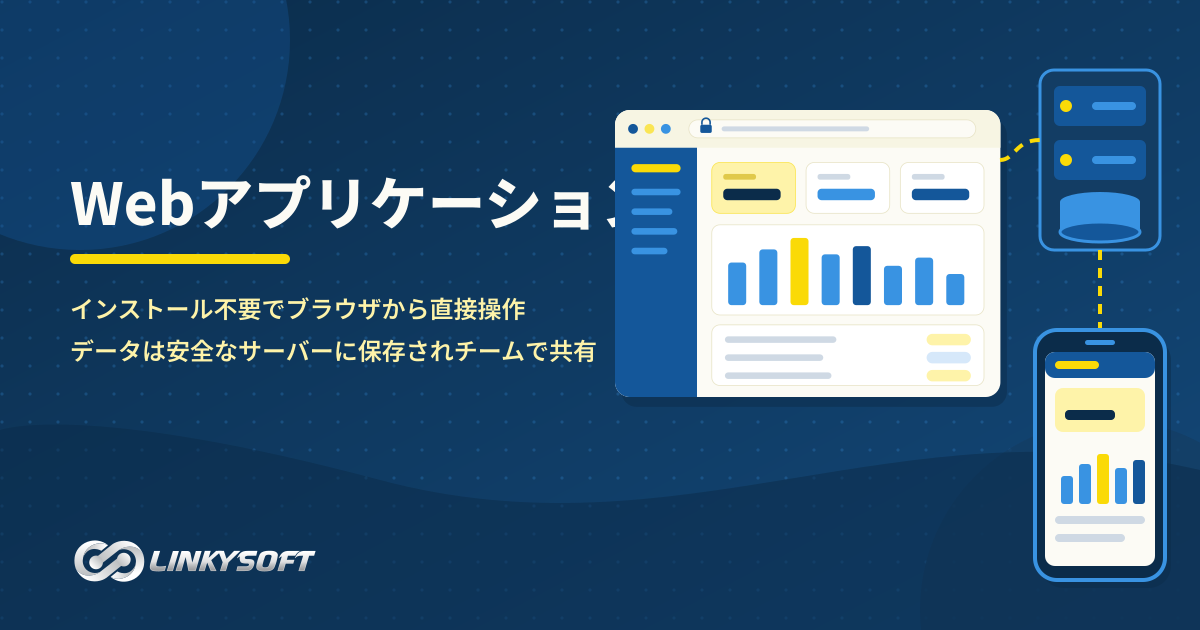
ア
アプリケーションプログラミングインターフェース (API) API 企業のウェブサイトやモバイルアプリを外部のオンライン決済や地図などの第三者サービスと安全につなぎ、システム間で必要な情報や指示を一から作り直すことなく迅速にやり取りするための技術的な架け橋です。 解説を読む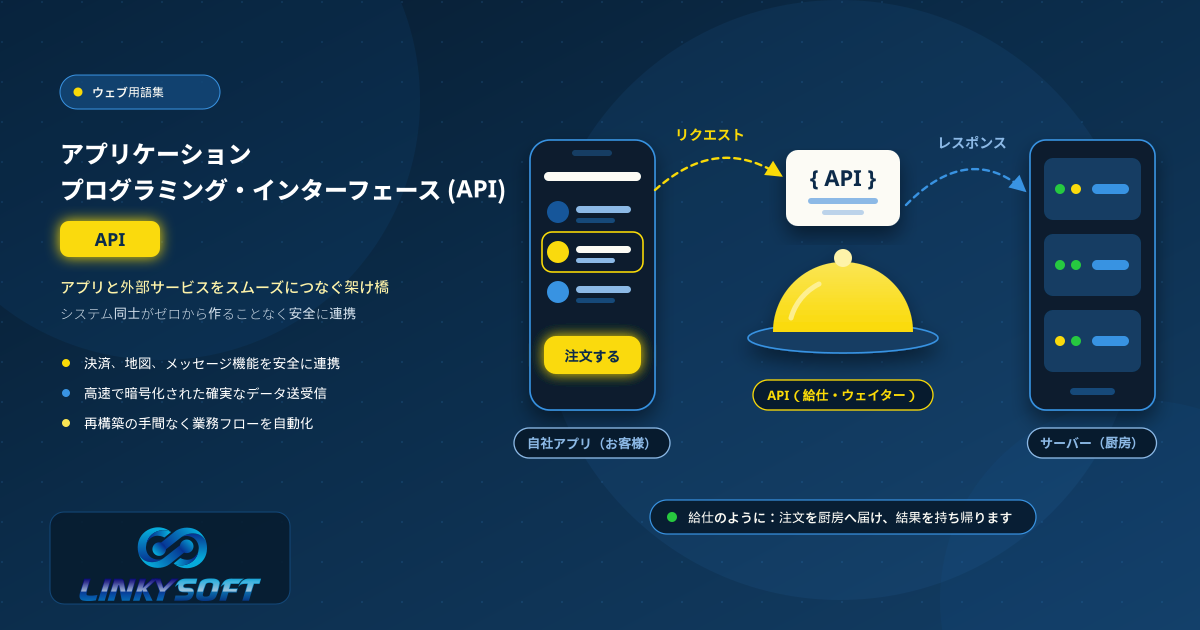
ク
クライアントポータル 顧客が専用アカウントでログインし、電話での問い合わせを待つことなく、注文の進捗状況の追跡、請求書の確認やダウンロード、サポートチームへの相談を24時間いつでも行える安全な専用Webページです。 解説を読む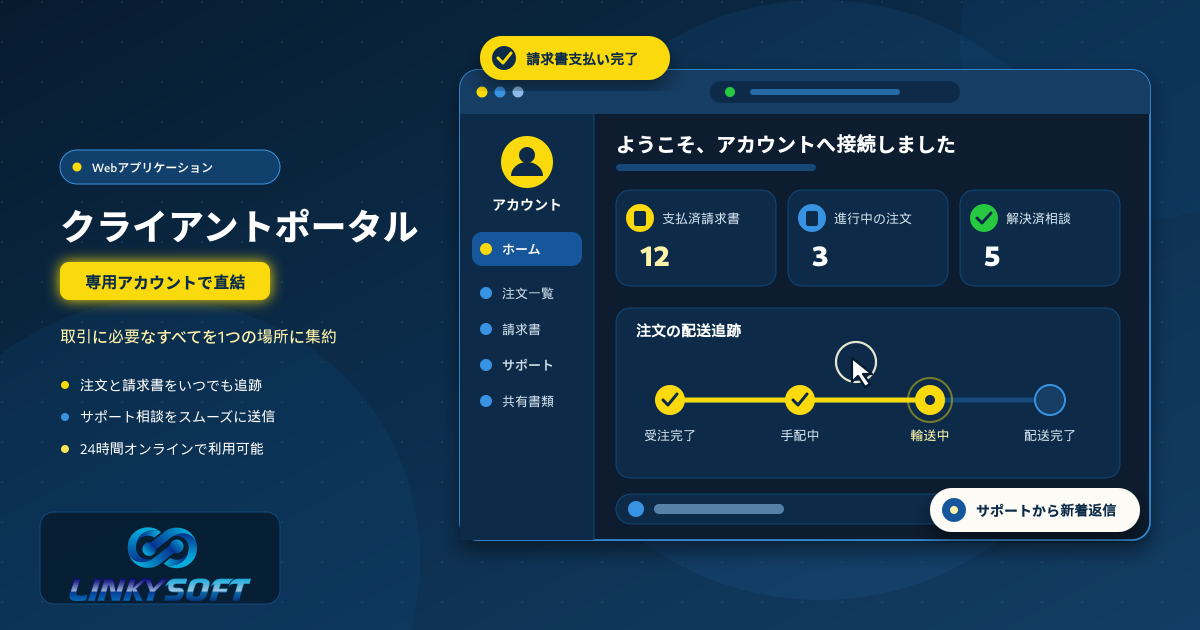
ソ
ソースコード ソフトウェアエンジニアによって書かれたプログラムの命令文を含むテキストファイルであり、サーバーや端末に対してアプリケーションをどのように動作させるかを指示する重要な情報です。 解説を読む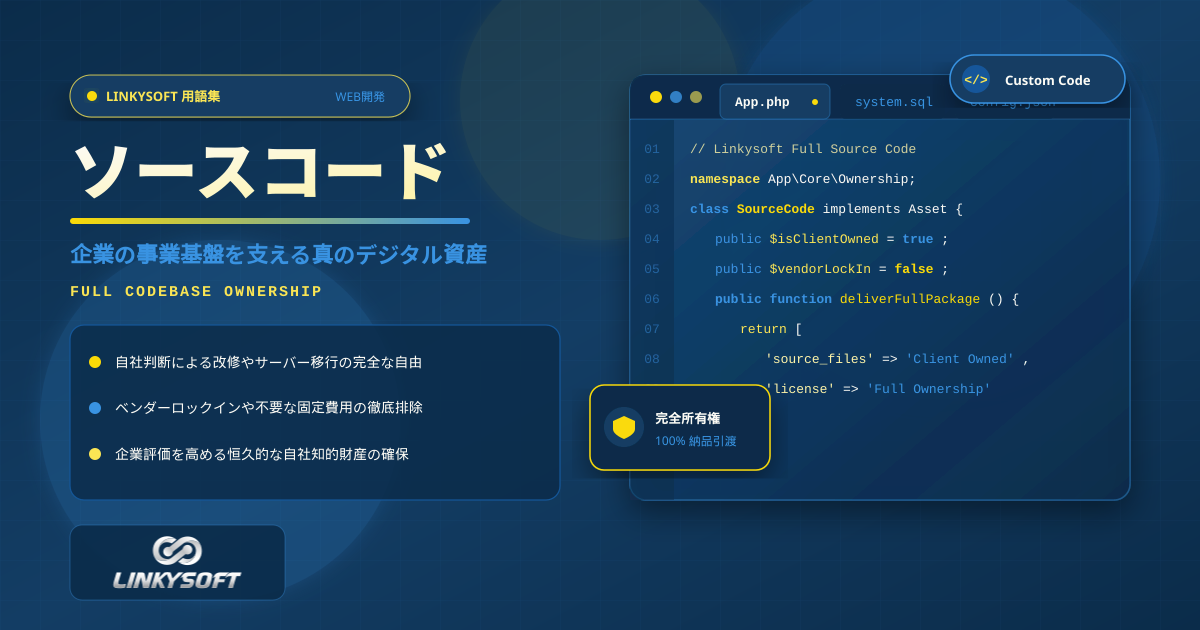
ワ
ワークフロー自動化 システムやWebアプリが、通知の送信や記録の更新など毎日くり返す作業を自動で行うことです。社員が毎回手作業でする必要がなくなります。その結果、ミスが減り、チームはもっと大切な仕事に時間を使えるようになります。 解説を読む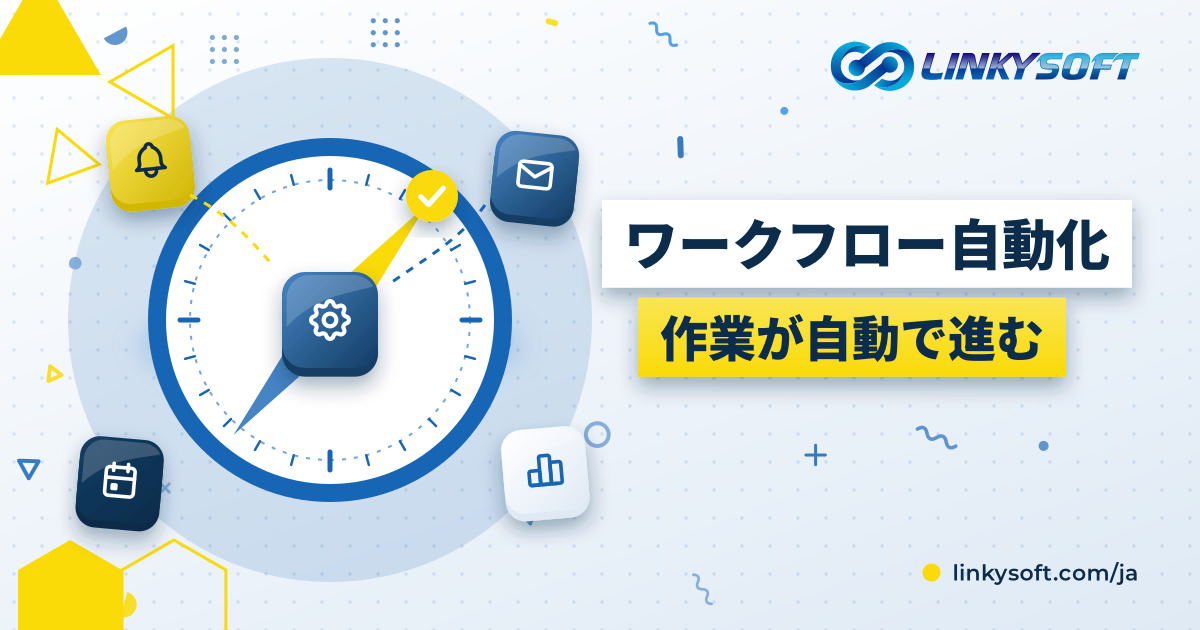
統
統合基幹業務システム (ERP) ERP 企業全体の在庫管理、販売管理、財務会計、人事労務などの各部門をひとつの統合データベースで結びつけ、日々の業務オペレーションを可視化して迅速な経営判断を支援する基幹業務ソフトウェアシステムです。 解説を読む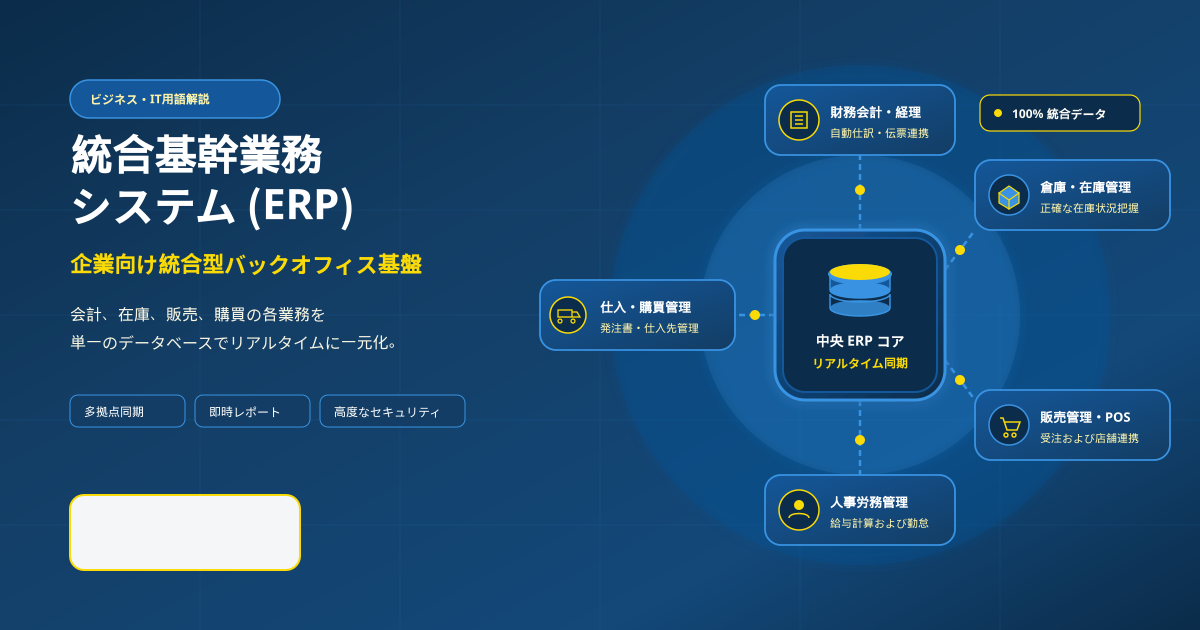
その他の分野
Webホスティング Webサイトを公開するときに出てくるホスティング用語をやさしく解説します。稼働率、SLA(サービス品質保証)、ストレージ、SSLなど、サイトの速さと安定性を左右するホスティングプランの要素がわかります。 2 サーバー サーバーとその上で動くデータベースの役割をやさしく解説します。VPSや専用サーバー、MySQL、PostgreSQL、MongoDB、Redisなど、自分でサーバーを運用するときに必要な用語がわかります。 4 ドメイン ドメイン名の基本をやさしく解説します。登録、DNS、ネームサーバー、更新、移管など、Webサイトのアドレスを選び、つなぎ、守るために知っておきたい用語がわかります。 0 EC・ネットショップ ネット販売で使われる言葉をやさしく解説します。SKU、商品バリエーション、カゴ落ち、注文追跡、決済、POSなど、ショップの本当の状態を示す数字の読み方までわかります。 30 クラウド クラウドと、ソフトウェアをクラウドへ届けるツールをやさしく解説します。クラウドとは何か、DockerやKubernetesがアプリをどう動かすか、GitとCI/CDがリリースをどう安全に保つかがわかります。 5 SNS 企業のためのSNS用語をやさしく解説します。WhatsAppマーケティング、インフルエンサー施策、動画広告など、フォロワーを増やし、お客様がいる場所で会話するための言葉がわかります。 3 Webサイト Webサイトを形づくる基本要素をやさしく解説します。HTML、CSS、レスポンシブデザイン、右から左へ読む言語のレイアウト、そしてWebサイトとWebアプリの違いがわかります。 6 モバイルアプリ モバイルアプリの用語をやさしく解説します。ネイティブアプリとハイブリッドアプリ、プッシュ通知、アプリ内課金、ストア審査、オフライン同期、そしてアプリを最新で安全に保つ仕組みがわかります。 25 サイバーセキュリティ すべての企業が知っておきたいセキュリティ用語を解説します。フィッシング、ランサムウェア、暗号化、二要素認証、ゼロトラスト、バックアップなど、データとアカウントを守る習慣がわかります。 35 デジタルマーケティング デジタルマーケティングの用語を解説します。コンバージョン率、ランディングページ、セールスファネル、メール配信、リスティング広告、アトリビューションなど、本当に効果のある施策を示す数字がわかります。 26 人工知能(AI) 人工知能をやさしい言葉で解説します。機械学習、大規模言語モデル、チャットボット、そして企業がAIを使ってお客様に答え、日々の業務を自動化する方法がわかります。 4 IoT(モノのインターネット) IoTの用語をやさしく解説します。つながるデバイス、センサー、ゲートウェイなど、スマートビル、位置追跡、自分の状態を知らせる機械の裏側にある言葉がわかります。 0 プログラミング言語 いまのソフトウェアを支えるプログラミング言語を短くわかりやすく解説します。Python、PHP、JavaScript、TypeScript、Java、Go、Rust、Kotlin、Swift、SQLなどの特徴がわかります。 12 フレームワーク 開発者が使うフレームワークをやさしく解説します。Laravel、Django、React、Next.js、Node.js、Flutterなど、それぞれがWebやモバイルのプロジェクトにもたらすものがわかります。 6 検索エンジン 検索エンジンの用語を解説します。SEO、インデックス、サイトマップ、canonical URL、強調スニペット、検索意図など、WebサイトがGoogleやAIの回答に表示されるためのポイントがわかります。 30 UI・UX ユーザーインターフェースとユーザー体験の用語を解説します。プロトタイプ、UX、ダークモードなど、ソフトウェアやWebサイトを使いやすく心地よくするデザインの工夫がわかります。 3