Subject area
Websites
The building blocks of a website in plain words: HTML, CSS, responsive design, right-to-left layouts and how a website differs from a web application.
6 concepts in this area
Websites
C
CSS CSS CSS is the language that decides how a web page looks, and because it sits in its own file, one change there restyles every page at once. Read the definition
H
HTML HTML HTML is the set of labels that tells a browser whether a piece of a page is a heading, a paragraph, a link or a field in a form. Read the definition
M
Mobile Website A mobile website is your ordinary website built to work properly on a phone, so visitors arrive at the same address and have nothing to download. Read the definition
R
Responsive Web Design RWD A web development approach that automatically adjusts page layouts, text sizes, and images to fit any screen, from small smartphones to large desktop monitors, without manual zooming or horizontal scrolling. Read the definition Right-to-Left Text Direction RTL A way of building a website or app so Arabic text starts from the right, and menus, buttons and arrows flip as if in a mirror. The Arabic reader then sees a page that feels natural and easy. Read the definition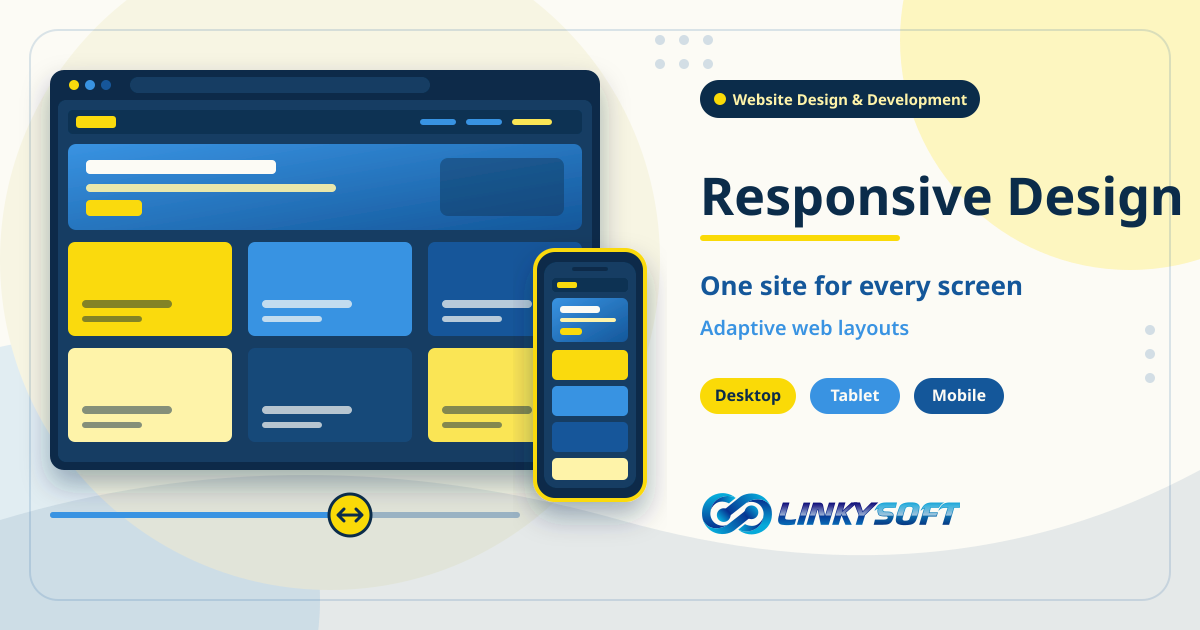

W
Web App vs Website The difference between a web app and a website is that a website tells people things, while a web app does real work for them once they sign in. Read the definition
Other subject areas
Web Hosting Plain definitions of the web hosting words you meet when you put a website online: uptime, service level agreements, storage, SSL and the parts of a hosting plan that decide how fast and reliable a site is. 2 Servers What servers and the databases on them do, in plain words: VPS and dedicated machines, MySQL, PostgreSQL, MongoDB, Redis and the terms you need when you run your own server. 4 Domains Domain names made simple: registration, DNS, nameservers, renewals, transfers and the words you need to choose, connect and protect your website's address. 0 E-commerce The language of selling online: SKUs, product variants, abandoned carts, order tracking, payments, point of sale and the numbers that show how a store is really doing. 30 Cloud Computing Cloud computing and the tools that ship software to it: what the cloud is, how Docker and Kubernetes run applications, and how Git and CI/CD keep releases safe. 5 Social Media Social media terms for businesses: WhatsApp marketing, influencer campaigns, video ads and the words behind growing an audience and talking to customers where they already are. 3 Web Applications Terms you meet when a company builds or buys a web application: APIs, dashboards, user roles, single sign-on, deployment, scalability and the cost of owning software. 29 Mobile Apps Mobile app words explained: native and hybrid apps, push notifications, in-app purchases, app store review, offline sync and what keeps an app updated and secure. 25 Cybersecurity Security terms every business should know: phishing, ransomware, encryption, two-factor authentication, zero trust, backups and the habits that keep data and accounts safe. 35 Digital Marketing Digital marketing terms explained: conversion rate, landing pages, sales funnels, email campaigns, pay per click, attribution and the numbers that show what really works. 26 Artificial Intelligence Artificial intelligence in plain words: machine learning, large language models, chatbots and how businesses use AI to answer customers and automate everyday work. 4 Internet of Things Internet of Things terms made simple: connected devices, sensors, gateways and the words behind smart buildings, tracking and machines that report their own status. 0 Programming Languages Short, clear definitions of the programming languages behind today's software: Python, PHP, JavaScript, TypeScript, Java, Go, Rust, Kotlin, Swift, SQL and more. 12 Frameworks The frameworks developers build on, defined plainly: Laravel, Django, React, Next.js, Node.js, Flutter and what each one brings to a web or mobile project. 6 Search Engines Search engine terms explained: SEO, indexing, sitemaps, canonical URLs, featured snippets, search intent and what helps a website appear in Google and AI answers. 30 User Interfaces User interface and experience terms: prototypes, user experience, dark mode and the design choices that make software and websites easy and pleasant to use. 3