Why Two-Factor Authentication for Websites Is Essential for Your Business
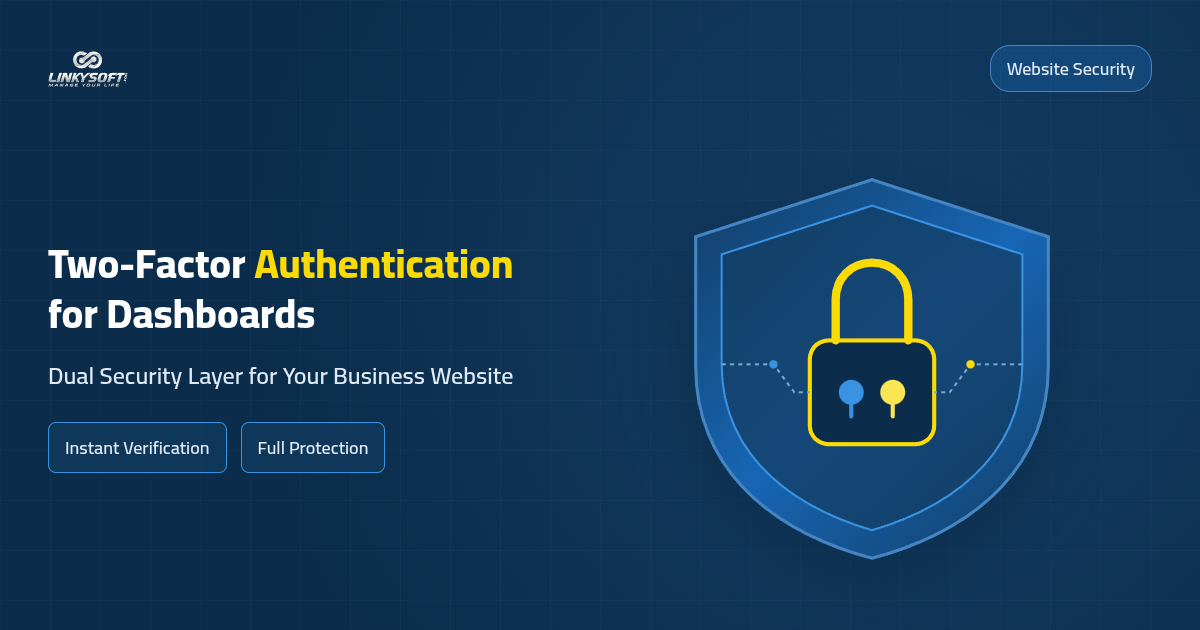
The importance of two-factor authentication for websites lies in blocking unauthorized intruders from accessing your management console even if your password becomes compromised. This technology introduces an extra verification check that requires a temporary numeric passcode sent to your mobile phone before granting administrative access. Implementing this straightforward safeguard establishes a resilient defense line that stops credential theft and shields critical customer records from tampering.
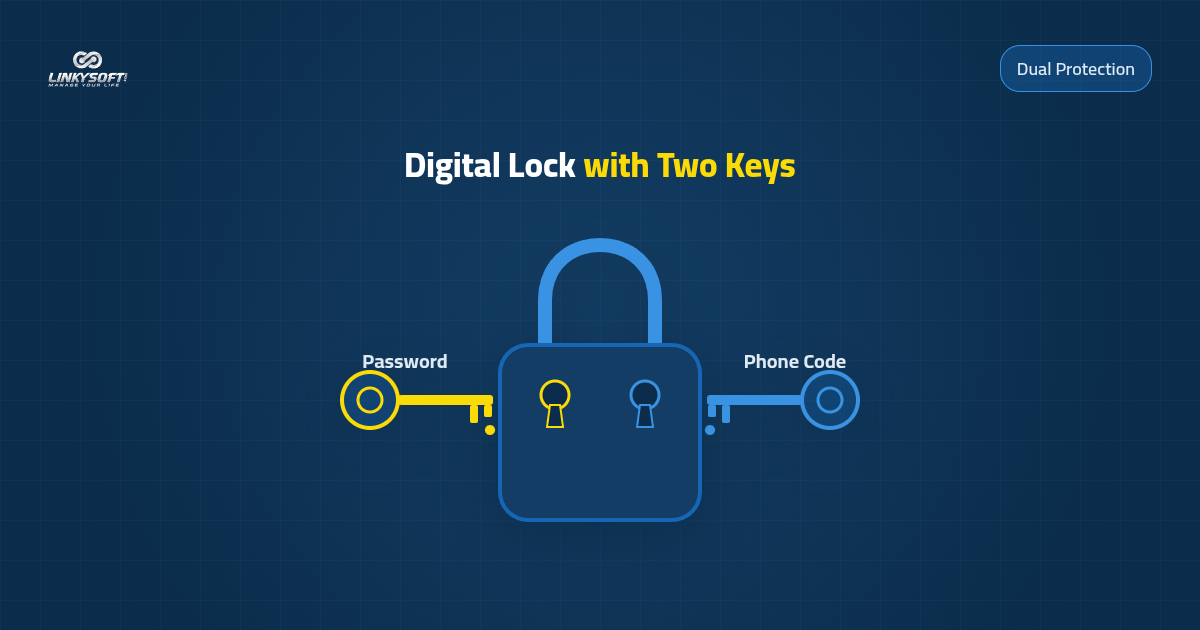
Automated attack tools continuously probe administrative portals using leaked credential databases collected from internet breaches. When an extra verification step stands in the path, these automated scripts fail immediately. Without physical possession of your mobile phone to approve the incoming token, external attackers cannot enter the portal. This protection gives you the confidence to process sales orders, update service catalogs, and communicate with clients without fear of losing account control.
Securing your administrative dashboard remains a core business priority because unauthorized entry allows attackers to modify files, deface pages, or export financial databases. Investing a few minutes to configure multi-step verification shields your business from costly operational disruptions that could take weeks to resolve. Establishing this standard security habit guarantees long-term stability for your online presence.
Practical Understanding of Dual-Layer Verification
Two-factor verification operates by combining two independent factors during every sign-in attempt. The first element is personal knowledge represented by your private username and password combination. The second element is physical possession of a registered mobile device capable of displaying dynamic authentication tokens. Requiring both elements simultaneously makes remote hacking virtually impossible without physical theft of your smartphone.
Requiring an updated passcode with each session eliminates dangerous dependency on static passwords alone. Forward-looking companies recognize that single-key security models represent an unnecessary vulnerability that can compromise customer trust overnight. This balanced authentication protocol provides realistic security suited for business managers who need reliable defense without operational complexity.
Key Differences Between Passwords and Multi-Factor Protection
A single password functions like an ordinary physical door key that can be duplicated, guessed, or stolen through various deceptive tactics. In contrast, multi-factor protection resembles placing a trained guard beside the entrance to verify a secondary identity badge before allowing entry. Even if someone observes your password in a public cafe or hotel lobby, they cannot pass the second verification gateway.
Modern cyber risks include phishing pages designed to mimic login portals and background keyloggers installed through suspicious downloads. Dual-factor protection insulates your business against these threats because generated verification tokens expire in thirty seconds. This short lifespan prevents malicious actors from reusing captured credentials at a later date.
How Two-Factor Authentication Protects Business Data from Breach Risks
Two-factor authentication safeguards your enterprise assets by closing vulnerabilities that attackers exploit to seize account ownership. Deploying two-step verification helps in protecting your website from hacking and guarantees that financial transactions, patient records, and customer profiles remain strictly confidential.
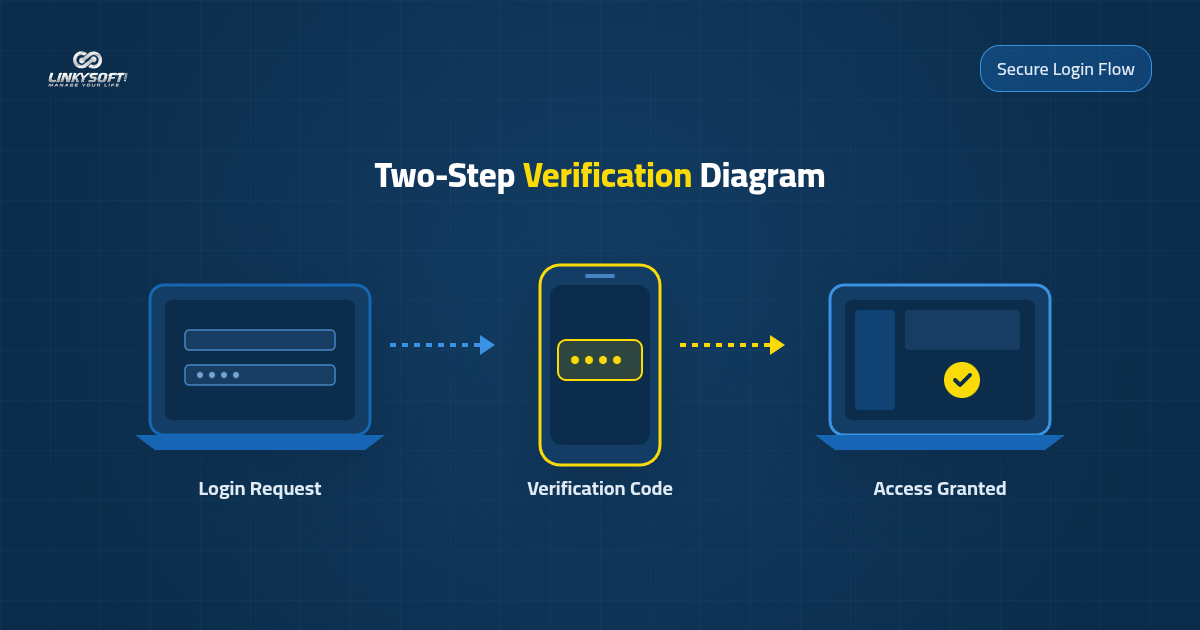
Administrative dashboards store valuable data including customer contact directories, order histories, daily turnover reports, and billing records. A leak of this proprietary data harms corporate reputation and can trigger regulatory scrutiny or legal penalties. Deploying a secondary authentication factor forms an active barrier that shields client records from unauthorized extraction.
When clients know your company treats data protection seriously, their confidence in your brand strengthens and customer retention improves. Information security represents a valuable business asset that reinforces commercial credibility in competitive marketplaces. Investing in platform protection creates enduring goodwill among your customer base.
Halting Intruders Even After Password Leaks
Password compromises frequently occur when third-party services suffer security breaches where users reused identical login credentials across multiple websites. When an attacker attempts to reuse leaked credentials against your website control panel, the system demands an immediate verification token from your phone. The attack stalls completely and your administrative dashboard remains fully secure without damage.
Modern platforms often dispatch instant email notifications whenever an authentication code is requested from an unfamiliar browser. These rapid alerts give you immediate visibility into suspicious connection attempts so you can change passwords promptly. Early detection prevents minor credential leaks from turning into damaging operational crises.
Shielding Customer Records and Stored Sales Data
Commercial websites store shipment destinations, purchasing preferences, and billing records in databases connected to management portals. If malicious parties breach this interface, they could export customer data or manipulate inventory pricing for fraudulent gain. Two-factor verification prevents these risks by ensuring customer databases remain protected behind encrypted checkpoints.
Strong authentication standards also help commercial enterprises satisfy legal privacy mandates and regional data protection regulations. Meeting these governance benchmarks prevents financial penalties and administrative sanctions imposed on negligent organizations. Structured compliance represents the safest path to building a sustainable online enterprise.
Practical Steps to Enable Two-Step Verification for Control Panels
The steps to enable two-step verification are straightforward and require no specialized engineering background or complex configurations. This practical procedure delivers complete control panel protection within minutes, beginning with installing a recognized authenticator app on your smartphone and pairing it with your website account.
The configuration process relies on scanning a cryptographic QR code displayed within your dashboard security settings. Pointing your mobile camera at the displayed code automatically adds your website profile to your mobile authenticator app. You can then test how to enable 2FA two-factor authentication and enter the generated six-digit code to verify the pairing and activate ongoing protection.
Selecting a Reliable Mobile Authenticator App
Several free and dependable authenticator applications are available for both Android and iPhone devices, including Google Authenticator and Microsoft Authenticator. These utilities operate locally without requiring continuous internet connectivity to generate accurate time-based codes. You can install either tool from official application stores and complete initial setup in moments.
Many modern authenticator tools offer optional encrypted cloud synchronization, which simplifies transferring security keys when you replace your smartphone. Choosing a well-supported authentication application ensures uninterrupted access to your management panel. These mobile applications are engineered for straightforward everyday utility.
Pairing the Dashboard and Storing Emergency Backup Codes
Open the security settings within your website control panel and select the option to enable two-factor verification. Open your chosen mobile app, tap the option to add a new account, and scan the QR code displayed on your desktop screen. Enter the active numeric token generated by your phone to confirm synchronization, after which the system displays a set of emergency recovery codes.
Print these recovery codes or store them inside an encrypted offline note accessible only to authorized business owners. These emergency codes serve as your recovery lifeline if your mobile device is broken, misplaced, or temporarily unavailable. Retaining offline backup keys ensures your team maintains operational control under any circumstance.
The Role of Web Application Services in Building Hardened Dashboards
Growing organizations that handle critical transactions need tailored platforms engineered around their specific workflows rather than generic pre-built scripts. Through its Web Applications & Management Systems services, Linkysoft builds comprehensive custom solutions that integrate advanced security standards into dashboard architectures from the ground up. These private web systems allow companies to coordinate inventory, staff tasks, and finances within an isolated environment.
Custom management systems provide thorough audit trails that document every administrative action, user profile, and modification timestamp. This complete visibility helps leadership identify administrative discrepancies or unauthorized login attempts before operational harm occurs. Managing business processes through an engineered web application protects operations from widespread template vulnerabilities.
Granular Role and Permission Distribution
Modern management platforms allow executives to establish precise permission boundaries so accountants review financial ledgers while warehouse staff view inventory levels. This division of responsibility prevents staff from altering platform security rules or inspecting confidential records outside their duties. Restricting privileges to actual job requirements decreases accidental mistakes and insider vulnerabilities.
These customized platforms mandate two-factor authentication for senior administrative accounts possessing broad system control. Enforcing multi-tiered security policies protects your company against credential mishandling or weak password practices. Thoughtful organizational controls form the bedrock of enduring enterprise success.
Comprehensive Activity Logging and Sensitive Change Monitoring
Hardened management dashboards maintain detailed access ledgers that capture login attempts, price adjustments, and financial transfers. The platform dispatches automated alerts to business managers when simultaneous logins appear from different countries or unfamiliar devices. This real-time transparency allows managers to monitor corporate operations from any screen.
Encrypting communications through digital certificates and dependable hosting environments such as Hostrena ensures data travels securely without exposure to network eavesdropping. Digital security reaches its peak when clean dashboard coding pairs with protected servers designed to withstand traffic surges. This integration guarantees consistent availability throughout the year.
Securing Servers and Digital Systems with Specialized Security Teams
Achieving complete protection requires routine evaluation of your entire online infrastructure to verify that unused server ports are shut down and access rules are strictly enforced. The specialized security specialists at Linkysoft provide comprehensive Cybersecurity services to evaluate your web platform and test its resilience against common infiltration vectors, giving you an honest assessment of current defense levels.
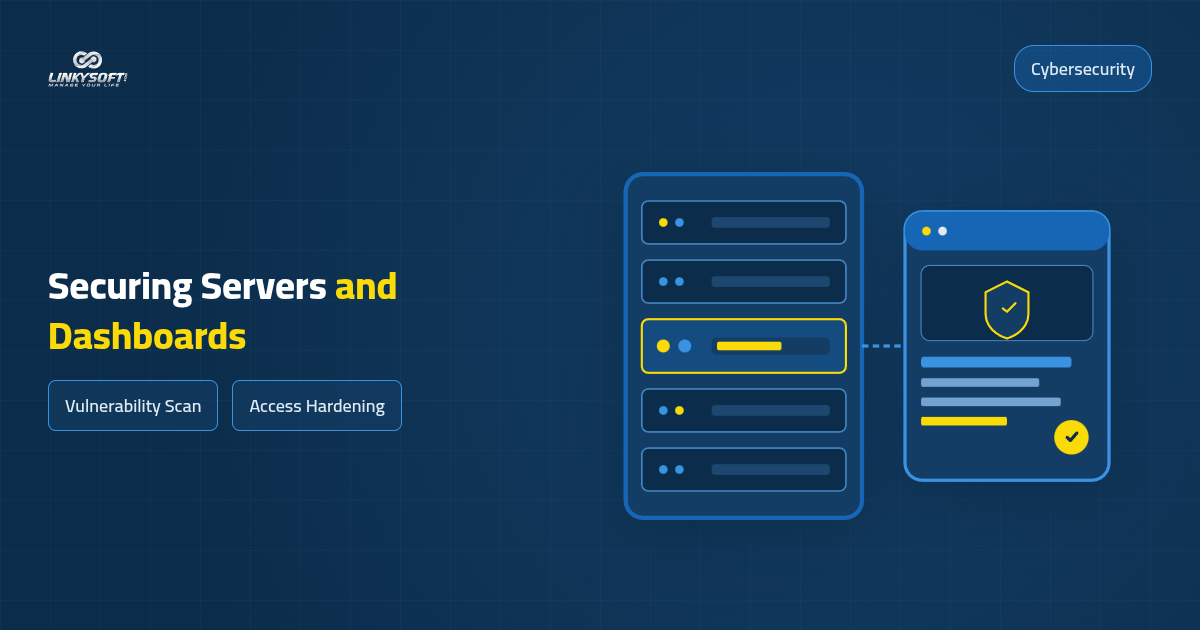
Security engineers perform controlled penetration testing that simulates realistic tactics used by unauthorized intruders to access databases and dashboards. These structured evaluations uncover hidden vulnerabilities in application code or configuration settings before malicious actors discover them. Partnering with experienced external specialists gives your organization an objective assessment that upgrades digital defenses.
Hardening work also includes implementing intelligent web application firewalls that inspect incoming traffic and block automated brute-force attempts on administrative login screens. This smart gateway stops aggressive bot attacks at the perimeter without allowing scripts to consume server resources. Control panel defense functions best as an integrated framework combining two-factor authentication with protective network walls.
Thorough Vulnerability Scanning and Firewall Configuration
Security assessments begin by scanning site files and databases to ensure no dormant malicious scripts or forgotten access accounts exist. Engineers then inspect server settings, strengthen encryption protocols, and verify secure transmission between browsers and management panels. This assessment yields a practical remediation summary outlining completed security enhancements.
Configuring digital firewalls enables automated banning of suspicious IP addresses that trigger repeated failed authentication attempts. This protective measure shields the dashboard from denial-of-service locks and ensures the login portal remains open for verified administrators. Pairing scheduled scans with perimeter filters delivers dependable protection.
Continuous Threat Monitoring and Rapid Incident Containment
Proactive administration relies on monitoring security indicators and automated alerts triggered when unauthorized users probe administrative files. Rapid intervention by trained engineers contains emerging hazards and closes targeted access pathways before data leakage happens. Having an expert team watching system health provides owners with peace of mind during daily operations.
Professional security teams also help design disaster recovery protocols and schedule automated daily backups of core databases. Maintaining tested, isolated backups ensures you can restore site files and resume normal business within hours if unexpected emergencies strike. Comprehensive protection is a vital investment that preserves commercial stability.
Frequently Asked Questions About Control Panel Security
What should you do if you lose your authentication smartphone?
You can use one of the emergency backup codes you saved during initial setup to sign into your control panel immediately. Once authenticated, delete the old mobile authenticator key and link your new device within seconds. If you cannot locate backup codes, contact your server administrator or hosting support provider to verify identity and reset your account credentials.
Does two-factor authentication reduce daily management speed?
Two-factor authentication does not reduce administrative productivity because entering the temporary passcode requires only a few seconds. Modern platforms allow you to mark your personal browser as trusted so secondary prompts appear only every few weeks during routine visits. This setup provides smooth operational management while sustaining dependable defenses against outsiders.
Why is a lengthy password alone not enough to protect a dashboard?
Even lengthy passwords remain vulnerable to interception through keystroke logging malware or convincing social engineering schemes. A complex password cannot prevent unauthorized access if an administrator unwittingly enters credentials on an imitation portal. Two-step verification provides a vital second defense layer that prevents attackers from exploiting stolen passwords.
Can two-factor authentication be enabled across different content management systems?
Most modern content management platforms and custom frameworks support two-factor authentication natively or through verified security modules. You can activate this feature easily by following guided prompts within administrative account panels. In proprietary systems, developers can embed authentication modules during development to integrate cleanly with workflows.
How should you respond to persistent brute-force attacks on your dashboard?
You should first enable automated IP banning that blocks addresses after a fixed threshold of consecutive failed login attempts. Changing the default login URL path and activating a web application firewall also stops malicious bots before they reach login forms. Combining these safeguards with two-factor authentication neutralizes automated penetration campaigns.
Practical Steps to Begin Enhancing Your Website Security Today
Securing your commercial enterprise begins with reviewing existing access permissions and mandating two-factor authentication for every team member with administrative privileges. Do not wait for a security breach to force your hand after reputation damage and customer frustration occur. Take initiative today by inspecting active credentials and implementing multi-step verification across your platforms.
If you are preparing to launch a new venture or want to rebuild an existing website to ensure dependable protection, Linkysoft stands ready to assist you through professional Website Design & Development services. We build custom platforms following international encryption and protection standards to ensure sustainable commercial growth.
Reviewing Existing Website Security Settings
Sign into your dashboard now, inspect the registered user roster, and remove inactive accounts belonging to former staff members. Ensure every active profile uses a unique password and activate two-factor authentication across all mobile devices immediately. This quick ten-minute audit closes the primary entryways that attackers target most frequently.
Store your recovery codes in a protected location and share basic security instructions with your team to foster good password hygiene. Internal awareness represents half of your security posture, working alongside technical safeguards to protect business continuity. When security becomes a shared organizational habit, your company prospers in a reliable environment.
Consulting with Our Team for Secure Platform Development
Our engineering team offers a free initial consultation to analyze your operational requirements and recommend tailored solutions suited to your business scale. Whether you need a comprehensive security audit for an existing website or want to build a custom web application connecting multiple branches, we place our extensive experience at your disposal. We collaborate closely with you to create dependable platforms that earn customer trust.
Visit our main website at Linkysoft to explore our services and start working with our team of system development and protection professionals. Remember that a secure website forms the cornerstone of every successful digital commercial enterprise. Take action today and make website security your leading operational priority.