How to Choose Web Design Company Partners for Your Business
A practical guide helping business owners evaluate developer portfolios, verify contract terms, test hosting speed, and choose the right technical partner.
1 minute read
80 articles
A practical guide helping business owners evaluate developer portfolios, verify contract terms, test hosting speed, and choose the right technical partner.
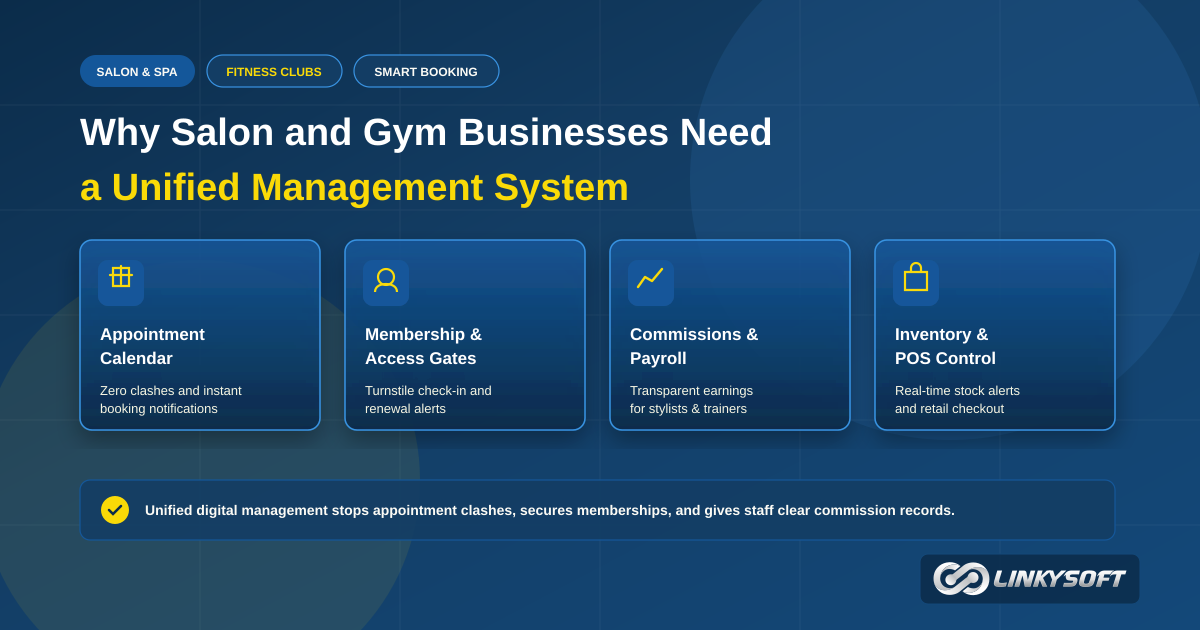
This practical guide shows how salon and gym management software replaces paper diaries, prevents scheduling clashes, and tracks member check-ins accurately. Learn how to stop missed bookings, handle staff commissions cleanly, and manage retail inventory across your daily operations.
A simple guide for shop owners, clinic managers and school administrators. Learn why attackers target small businesses, where weak spots usually hide, and which layers of protection, penetration testing and monitoring your app needs, plus clear questions to ask any supplier before you agree.
Upgrading legacy business databases into modern cloud systems prevents costly system crashes, improves decision-making speed, and secures sensitive records.
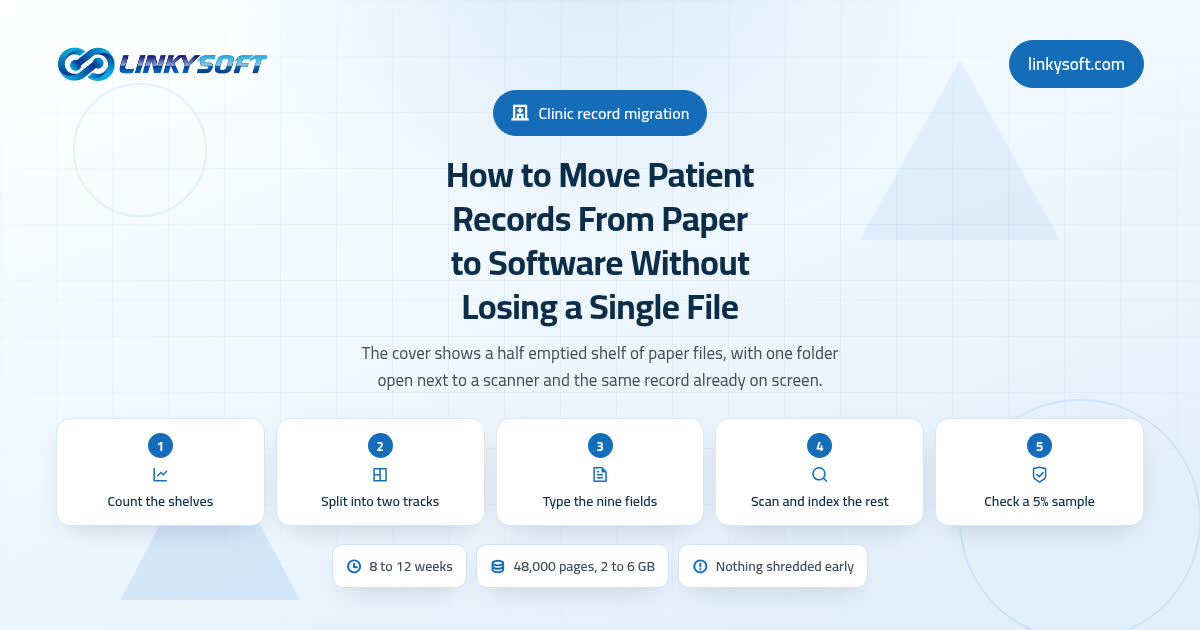
Whole folders almost never vanish in a records migration; what disappears is one loose page, an allergy written in a margin, or a phone number that lost its leading zero. This is the field method we use in real clinics: count the shelves first, type in only the patients who are still active, scan and index the rest, then check a 5 percent sample against the paper before a single box is closed.
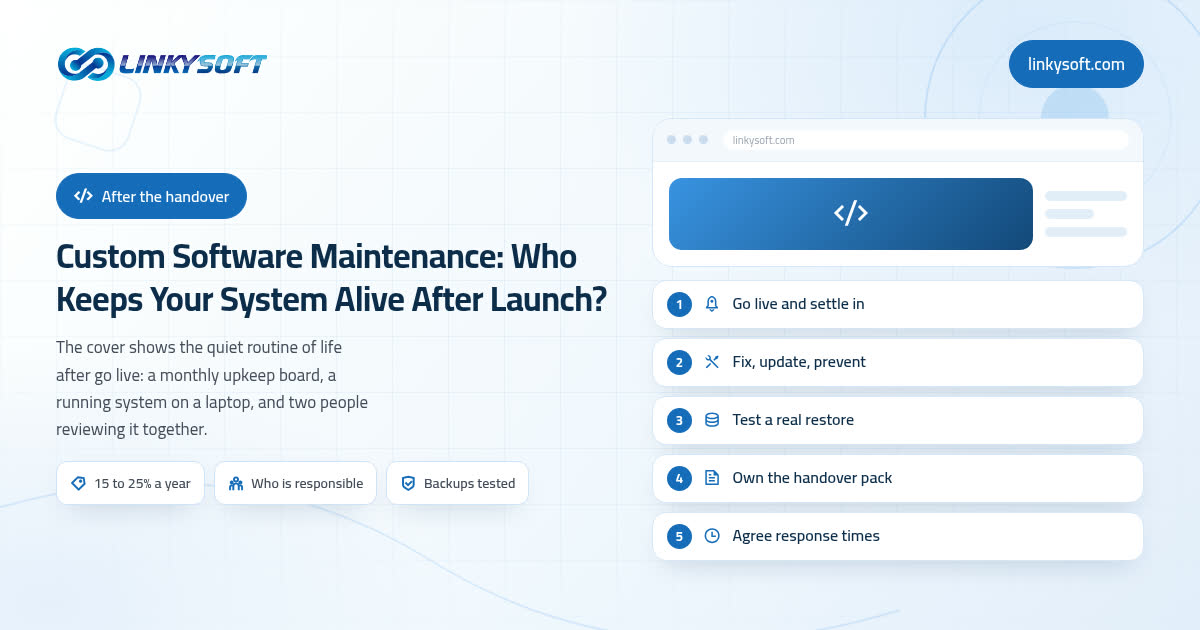
Most articles on this subject stop at "buy a maintenance plan". This one walks through the real twelve months after handover with the hours and the money written out: how noisy the first month is, the four kinds of work that never stop, what a year of care actually costs, and the four honest ways of owning it. It also says plainly where we tell a client to buy less support than we would happily sell them.
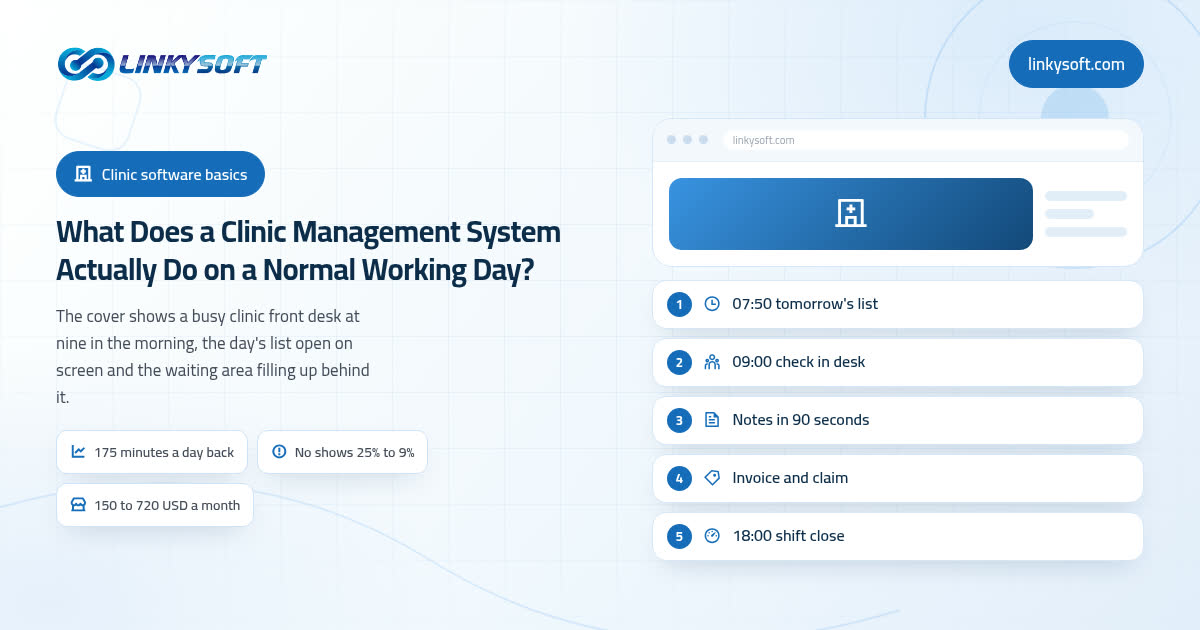
Most clinic software is sold as a list of features, which tells you very little about whether it is worth the money. So instead of a feature list, we walk through one ordinary Tuesday in a clinic with four doctors and forty booked visits, from the day list at 07:50 to the shift close at 18:00, showing the minutes and the money each part gives back, and saying plainly where a small clinic should buy the cheap ready made product rather than build anything.
Most articles on this question quote one vendor's licence price and stop there. This one builds the whole bill a clinic actually signs: the software line, the migration, the training, the hardware on the desks, and the running costs that arrive every year after go live. It also runs the five year arithmetic for renting against owning at eight users and at forty, and says honestly where a custom build stops paying for itself.
Three businesses ask us this same question in three different ways, and the honest answer is rarely the biggest option. This guide hands you a five minute test built from three questions, the build and running numbers we quote in practice for each choice, and the plain arithmetic that shows when the cheaper option earns more. By the end you will have a decision, a budget and a next step.
Most guides to this decision hand you a polite checklist and leave you no wiser when you are actually sitting across the table. This one does the opposite. Here are the exact questions to ask a web design company, the answers that should make you pause, the arithmetic behind a US$2,000 quote against a US$12,000 one, the timeline you can hold anyone to, and an honest account of when the cheapest option is the right one.
Nearly every article on this subject tells you to buy software in the first paragraph. This one does the opposite: it gives you the actual break points in units, editors and hours, the arithmetic to price your own situation on a calculator, the costs that hide inside an ordinary working week, and a plain statement of when keeping the spreadsheet is still the correct business decision.
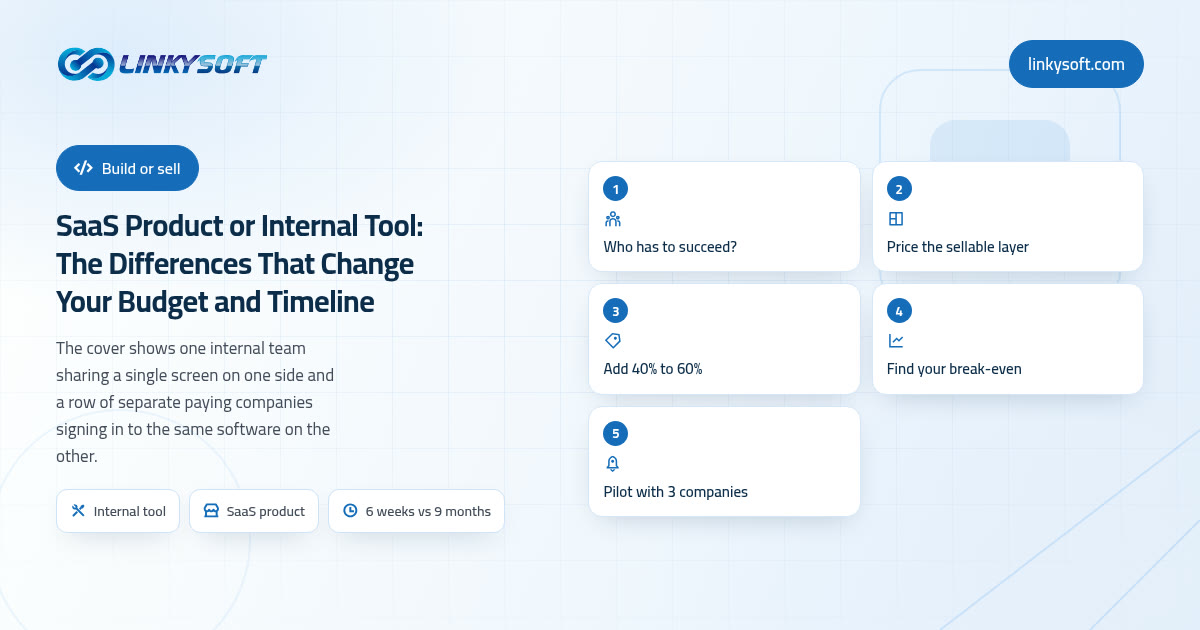
Most comparisons of these two paths stop at a feature list, so this one hands you the arithmetic we actually run with clients instead: what the sellable layer adds on top of the very same screens, what each path costs to run every month, how many paying customers it takes to break even, and the honest cases where buying something ready-made, or simply keeping the tool internal, is the smarter purchase.
I'll help you with anything you want to do.
Pick a topic and ask me anything about it.
There are no topics to ask about right now.
Talk to a human
Talk to a human